
The Mist, 2007 - ★★★ (contains spoilers)
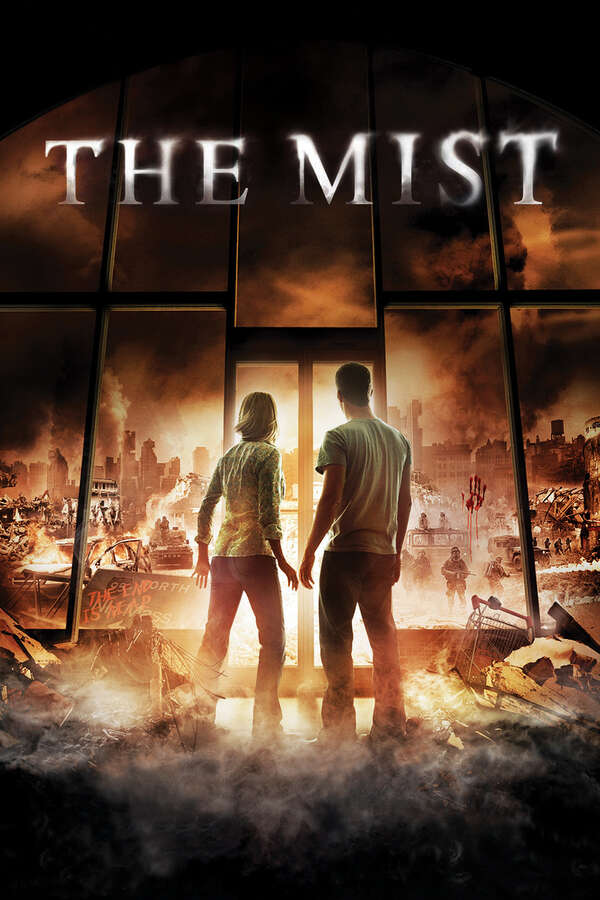
This review may contain spoilers.
This was an OK movie. I enjoyed it. It was good enough to hold my interest (which is not easy to do).
Stephen King can build believable characters and Frank Darabont does a good job following up on that.
First, a few trigger warnings. If you have issues with gore horror, this might be a problem here, though it's far from The Texas Chain Saw Massacre. The religious zealots are more of a problem if you have issues with that. Unfortunately, it's also believable: all you need to do is to read the news. People kill in the name of God for much less than being threatened by the supernatural.
The movie builds toward the climax nicely, and you get the chance to get up close and personal with the characters. The feelings of dread and panic are believable. There's a bit of a cross into the cliche with some military experiment gone wrong and creatures crossing from another dimension. This is not a huge spoiler, because the origin of the horrors in the movie is of little importance. Way more important is what the people do to survive and how they cope (or don't cope) with the monstrosities. This is the beef of the movie, and King drives it home well.
I'm a bit angry with the ending (Spoiler alert! stop here!!).
It doesn't end well, and I don't like how fast David (Thomas Jane) gave up on everybody, including his son. He decided that, nope, that's it, time to commit group suicide and give up. It feels pushed. King wanted to show us that real hell is making decisions, but this last one doesn't make sense with the rest of the movie. Oh well, it was still fun.
The Mist, 2007 - ★★★ (contains spoilers)
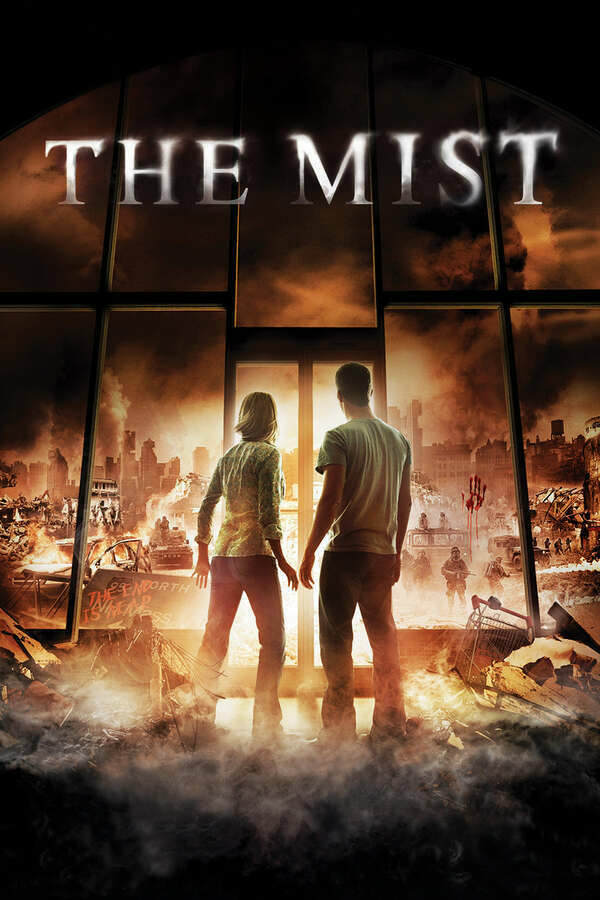
This review may contain spoilers.
This was an OK movie. I enjoyed it. It was good enough to hold my interest (which is not easy to do).
Stephen King can build believable characters and Frank Darabont does a good job following up on that.
First, a few trigger warnings. If you have issues with gore horror, this might be a problem here, though it's far from The Texas Chain Saw Massacre. The religious zealots are more of a problem if you have issues with that. Unfortunately, it's also believable: all you need to do is to read the news. People kill in the name of God for much less than being threatened by the supernatural.
The movie builds toward the climax nicely, and you get the chance to get up close and personal with the characters. The feelings of dread and panic are believable. There's a bit of a cross into the cliche with some military experiment gone wrong and creatures crossing from another dimension. This is not a huge spoiler, because the origin of the horrors in the movie is of little importance. Way more important is what the people do to survive and how they cope (or don't cope) with the monstrosities. This is the beef of the movie, and King drives it home well.
I'm a bit angry with the ending (Spoiler alert! stop here!!).
It doesn't end well, and I don't like how fast David (Thomas Jane) gave up on everybody, including his son. He decided that, nope, that's it, time to commit group suicide and give up. It feels pushed. King wanted to show us that real hell is making decisions, but this last one doesn't make sense with the rest of the movie. Oh well, it was still fun.
next movie up - "The Mist" based on a story by Stephen King.
So far, I like this one much better. It's a big of a cringe, not so much the horror gore aspect (so far not too bad) but the people.
It's just too much how people turn on each other so quick, but unfortunately, believable.
Thoughts about work iPhone as a Personal (but not private) phone
It’s not the first time I’m thinking of switching over to my work iPhone as my main “normal” phone, and probably won’t be the last.
In a nutshell: I have an iPhone from work. I keep certain personal apps on it, like my financial apps and medical apps (to make doctor appointments). The logic behind it is that if my workplace knows my salary and my benefits, I’m not risking much more by sharing my bank information and doctor appointments with them also. I also happen to work for a medical center, so I often see doctors that work there.
Since I have this phone on me at all times, especially now in post-COVID post-office era, it makes sense to switch most personal apps to it as well. Stuff like Instagram, Google Photos, and Amazon. It also helps that I have an iPhone mini, which is a normal phone size for everyday use that I don’t risk dropping whenever I text back someone (not to mention it has a warranty covered by my job).
My Android, at the same time, can become my private device. I want to wipe it and use something like Graphine on it, and not have Google-anything on it if I can help it. It will have Signal, which I use to communicate with people who are close to me the most, Orgzly for my org-mode journal files, my wiki (which is in HTML format), pictures and videos that are synced directly to my Synology, etc.
Still, the issue I keep running into is communication with other people. If I don’t take the Android with me on the go, I can’t use Signal. I can’t make phone calls with my private number. I could open up a laptop, and as long as the phone is connected back at home, I should be able to text and make video calls on the Signal app, but that’s annoying. I’m not sure how to get around that. I could try to “educate” other people to keep conversations brief on WhatsApp, but I know this will never work. No one cares about privacy at the cost of convenience.
mehhh this #covid bullshit is annoying 😅
I've been healthy since Tuesday, pretty much. But I am still positive and going to remain this way for another week at least if not more, looks like.
Can't eat with friends yet... have to wear mask around the house... Tired of it. Don't even know where I got it from. Meh.
Gave up on The Colony. Here's what I had to say:
"too much "been there, done that" to care. It feels like a Children of Men mixed with Mad Max, and it fails at both... ..."
The Colony, 2021 - ★★★
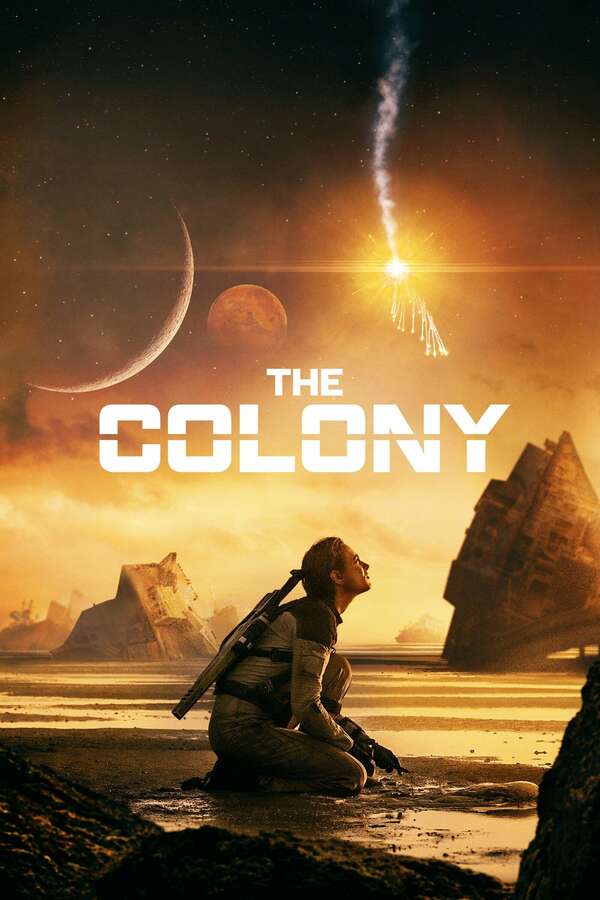
I started watching yesterday, got bored, started watching again today, got bored again, decided it's enough for now.
The Colony starts OK. Earth is kaput, and the rich humans settled in a different remote place, where they discovered they can't reproduce. Desperate for the survival of the human race, they return to earth to see if they can restart.
But it's too narrow, and too much "been there, done that" to care. It feels like a Children of Men mixed with Mad Max, and it fails at both. Blake, played by Nora Arnezeder, crash-lands on earth with her co-pilot Tucker. It seems like Earth is hostile, with badass mutants and radiation, and the pair worries about that - at start - but we soon learn Earth is actually fine, the humans survived, and decided to capture them both, because you know, humans.
We learn that Tucker is Blake's 80-percent fertile match, which probably means that if everything is OK the two can bone and have kids. hoary! Blake is captured, and she learns that she's fertile because she has a period again out of nowhere, and it's time to contact back home to let them know she's ready to pop out kids, so please come and join her, start bone and making babies.
The story around that doesn't fully pick up. Instead of checking out what happened with Earth, the creatures, the sea, the rain, the movie starts focusing on the petty war between the locals and those who crash-landed before, in some sort of a fight about mother earth against evil technology and rich people. I can smell and see this miles away and with every second movie beating the same drums, I yawned away and went to watch something else.
Good start, but this movie is too scared to pick up on what could be more interesting: what's wrong with earth and how to save it. Instead, it's the old good guys against bad guys.
The Colony, 2021 - ★★★
I started watching yesterday, got bored, started watching again today, got bored again, decided it's enough for now.
The Colony starts OK. Earth is kaput, and the rich humans settled in a different remote place, where they discovered they can't reproduce. Desperate for the survival of the human race, they return to earth to see if they can restart.
But it's too narrow, and too much "been there, done that" to care. It feels like a Children of Men mixed with Mad Max, and it fails at both. Blake, played by Nora Arnezeder, crash-lands on earth with her co-pilot Tucker. It seems like Earth is hostile, with badass mutants and radiation, and the pair worries about that - at start - but we soon learn Earth is actually fine, the humans survived, and decided to capture them both, because you know, humans.
We learn that Tucker is Blake's 80-percent fertile match, which probably means that if everything is OK the two can bone and have kids. hoary! Blake is captured, and she learns that she's fertile because she has a period again out of nowhere, and it's time to contact back home to let them know she's ready to pop out kids, so please come and join her, start bone and making babies.
The story around that doesn't fully pick up. Instead of checking out what happened with Earth, the creatures, the sea, the rain, the movie starts focusing on the petty war between the locals and those who crash-landed before, in some sort of a fight about mother earth against evil technology and rich people. I can smell and see this miles away and with every second movie beating the same drums, I yawned away and went to watch something else.
Good start, but this movie is too scared to pick up on what could be more interesting: what's wrong with earth and how to save it. Instead, it's the old good guys against bad guys.
I want to try creating videos again. This one is:
How to Enable advanced web interface on #mastodon and why should you?
https://diode.zone/w/tzY7QEfXvNvLJvngFpsQ9t
I know the resolution is crappy, I'm trying to figure this out with #openshot .
It's short and quick and hopefully part of a series.