First week with Journelly
I’ve been testing out Journelly for the last week, and I have a lot of good things to say about it. Before we get there though, I want to start by explaining what it is - which is also the single piece of criticism I have about it at the moment.
Ramírez explains his app as “kinda like tweeting but for my eyes only,” which is true, but in my opinion, not the main point. After all, tweeting (X-ing?) or tooting or whatever is not new. At the same time, there are many excellent journaling apps for iOS, including Apple’s own Journal and the celebrated Day One. Putting Journelly against these apps is also misleading. This is partly why I didn’t understand the excitement around Journelly when I first heard about it, especially from an enthusiastic Emacs user1.
I would take a step further and say that the average iPhone user, who trusts Apple for all syncing and backup needs and doesn’t know what Emacs is, should skip Journelly and go with the other apps, at least for now.
But, if you’re reading this post in your org-mode category on your RSS reader, you are not a regular citizen of the internet. We are Emacs org-mode users. So let me tell you why this application is amazing.
Journelly is a front-end iOS app for org-mode. The notes you take with Journelly are written entirely in org-mode, in a single org-mode file, which you can sync to your Mac with iCloud or another method that works with both iOS and macOS.
Every note you take, which you create by tapping a large “+” sign in the app, starts with an org-mode header made of a time and location (which you can disable), like so:
* [2025-04-08 Tue 14:28] @ 123 Sesame St
On the app, these entries look very polished:
Behind the scenes, Journelly also adds the following in the header’s properties drawer (I removed the values below, but Journelly populates them automatically):
:PROPERTIES:
:LATITUDE:
:LONGITUDE:
:WEATHER_TEMPERATURE:
:WEATHER_CONDITION:
:WEATHER_SYMBOL:
:END:
You won’t see these properties (including the weather, which is included in the app when you take a note) on the app in the default view, but you can switch views to the “Markup” to see raw org-mode syntax. Speaking of org-mode syntax, let’s talk about some Journelly magic.
I use iCloud to sync a Desktop folder for org files to my Mac. This is also where I told Journelly to store its org file (which is called Journelly.org - at this point, it doesn’t seem like you can change this file name). This means that after making an update in Journelly, I can visit the org file with Eamcs on my Mac within seconds.
Then, through Emacs, I can make whatever changes I want to this org file: fixing typos, adding emphases (say, make certain words show in italics or bold), adding links, whatever. The next time I launch Journelly on my iPhone, it will notify me of the file change and prompt me to reload it. One tap and everything is rendered with the same polished look you see above as if I wrote it from within Journelly itself. The whole thing is so freaking seamless and visually appealing it’s addicting, as I found out quickly.
Since Journelly’s org file is included in my org-mode agenda (the folder it’s in is defined in my agenda files in Emacs on the Mac), I can easily refile entries from Journelly.org into my big journal.org file which I’ve been updating since 2018. This means that notes I take on the fly, with timestamps and location (and weather!) data, are added to my journal within seconds. After doing this for a couple of days, a thought occurred to me: why stop there?
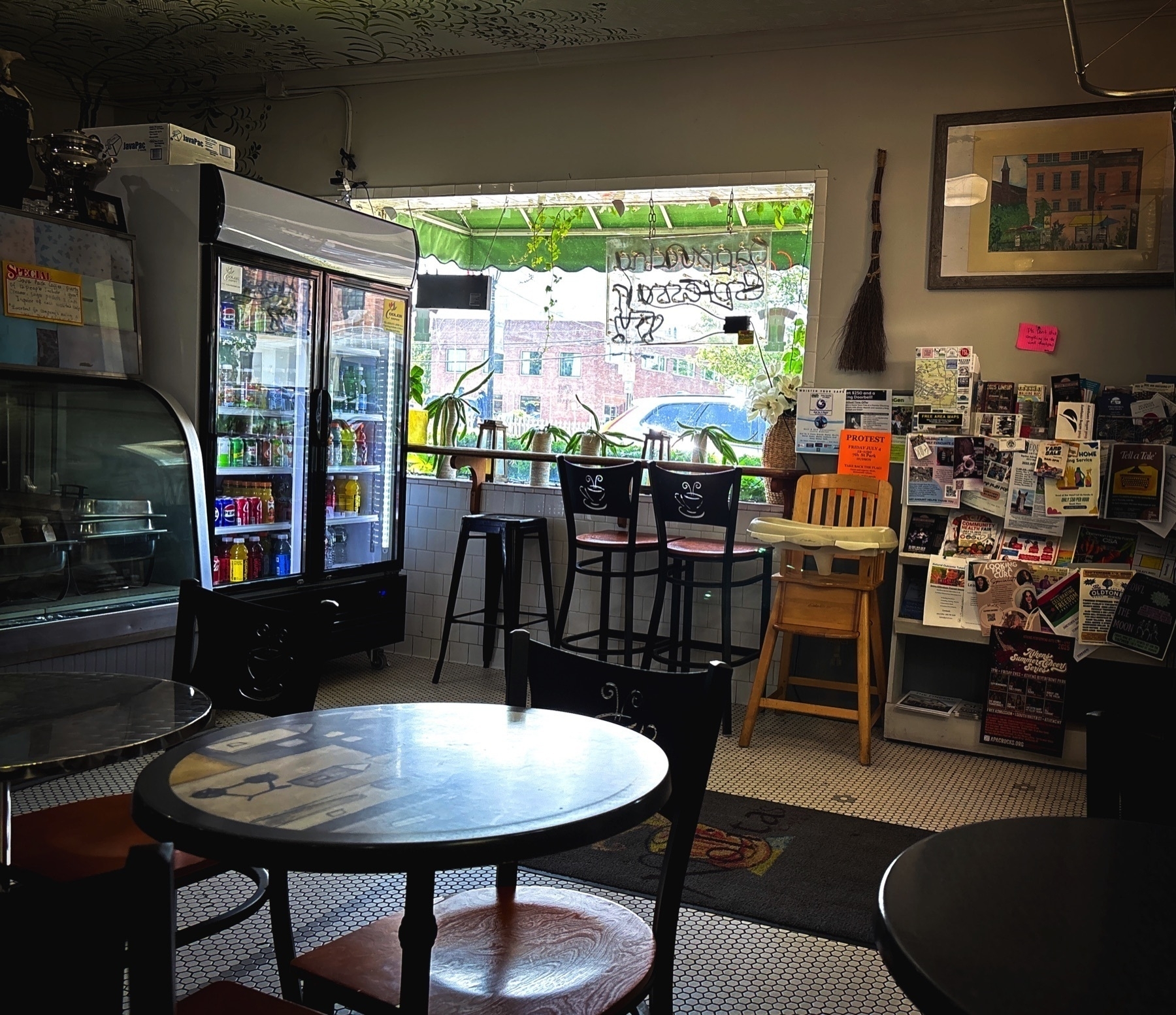
As you can see, Journelly knows how to deal with photos well. They are stored in an images folder inside Journelly.org.assets, which is easily accessible if you sync the app’s org file. So, if it’s so easy to use for notes and pictures, why not use Journelly for my project notes and meetings?
My favorite way to work with Journelly so far is by dictation: I talk to write. This last part is what caused me to change how I think of project notes in general. Instead of writing notes for each project in Emacs, why not just write or dictate them in Journelly? I can easily refile headings into related projects later if I wish, whether it’s a work task, a personal journal entry, or a link from the internet.
I don’t have to think of what goes where as I take notes. it all goes to one place where it’s easy to see and a pleasure to work with. This concept is not new to me (and it’s well documented in productivity systems like GTD as “inbox” or what have you) - I used to have an OhSnap.org to capture everything. But on my phone, through Orgzly on Android or Beorg on the iPhone, it’s not easy to see nor a pleasure to work with. These apps are geared toward tasks and to-do lists, and that’s part of the problem: when I capture information, I don’t usually know if it’s a task yet, just a note, a workflow, and where it goes. If I do know, then I’d put this task directly into the org file it belongs, so what’s the point? And it all looks so bland and boring and uninviting. On other org-mode apps, writing notes is a chore.
Journelly blows this mental challenge away. It invites me to take notes and just notes. It’s the opposite of a chore. “Go ahead,” it winks at me, “spill the beans. Snap some pictures. We’ll work on the details later.” Suddenly, I’m free to let my mind go.
Later on Emacs, I refile personal headers with their notes into my journal, minutes from meetings into my project files, and use org-attach to move the images from Journelly2 to their correct place where they are also stored for backup.
This makes me wish Journelly would have the ability to attach voice memos, which would work great in a journalling app. I hear from Ramírez this is on his list and will come soon (judging from how responsive he is, we won’t wait long). Who knows, perhaps other files could be added, like video clips and even PDFs for flight or train ticket scans. For now though, the app is still in beta, and Ramírez is working overtime to get version 1.0 out. I will be one of his first customers, that’s for sure.
In the few days I’ve used Journelly, it has transformed from a nice way to keep a journal to an essential mind dump tool for saving anything I need. I now reach for my phone whenever I want to capture thoughts because it’s just so pretty and easy. If you’re an org-mode user on an iPhone, I highly recommend you give it a try as soon as it’s out.
Footnotes
1 - I do tend to miss details, and while the Mac Observer review I read does mention Journelly is based on org-mode, it’s somewhere toward the bottom where my quick scan of the article missed.
2 - at this point, Journelly stores full-resolution images, which can quickly add up in space on the iPhone. This is easy to resolve with a Shortcut on iOS or a script with ImageMagick. I prefer to do some slight editing to my images anyway (a bit of cropping, some levels adjustments, etc), but these are also things you can do on the phone and automate the compression.
I want to write more about Journelly, but the problem is that it’s too effective at what it does. Creating notes with it is so easy and streamlined that it’s starting to change my entire workflow for project notes, and that’s a pretty big change.
Walked from Canal to WTC to catch the path. Good weather for a brisk walk. I like the style of the area 📷
Via Hacker News: free technical books from before 1964:
Technical books online tubebooks.org
I’ve found that most of the technical books published before about 1964 never had their copyrights renewed, so now are in the public domain. So I am endeavoring to digitize and post some selected books relating to the “vacuum tube age” of electronics here.
Very nicely done. Also interesting: how he does it (bottom of the same page) and other things he’s into.
Oh, thanks Wired! I did want to remove it
What Is the Meta AI Button in WhatsApp, and How Do I Remove It? wired.com
Wait, what’s that?
So, what if you are not interested in this feature? At the moment there is no way to disable or delete Meta AI from WhatsApp.
So why are you lying to me? What if I don’t want AI…??
Well then, you’re shit out of luck. AI’s here to stay. Get used to it.
Another quick note about Journelly -
Álvaro Ramírez was kind enough to grant me access to test the app after I found out it’s based on org-mode.
I just started playing around with it but so far I’m impressed, particularly with its ability to “talk to” Emacs back on my Mac. I can easily edit notes that I created on the phone, and these edits, including links, strikethroughs, and lists, show up on the app in turn.
There’s more to explore and the app is still in beta, so I will give it a couple of days before I write something more thorough.
Correction about Journelly
My previous post about Journalley has one big omission in it- Journalley is based on org-mode!
Journelly and org-mode
Irreal likes Ramírez’s Journelly. To each their own, sure, but after I read the review he mentioned, I’ve been scratching my head a bit. I don’t get it.
Irreal is a dedicated Emacs user, and I estimate he uses more Emacs in his day-to-day functions than I do - so why does he feel the need to use something that is not Emacs for quick notes?
One of my theories is iPhone usage. That’s probably a big one. Using org-mode on an iPhone is not easy. There’s Beorg, but it’s geared more toward task lists and calendars than taking notes (even though you can do that, especially if you have templates). Even better, you could include a timestamp every time you record a new note, which is one of Irreal’s needs of his requirements. I’m not sure if he wants to include voice recordings or dictate notes on his iPhone, but both of these things are pretty easy to do - exporting an audio note and attaching it to a header in org-mode is pretty straightforward and can probably be automated.
My issue with any such apps, especially if they’re meant to capture “everything” (like pictures, short videos, oral notes, etc.), is that pretty soon they start competing with org-mode. What follows is confusion about what I put where which is usually followed by a short burnout of using either one. Then I have a period when I don’t save anything, and I regret it later.
org-mode is not perfect, but as long as I use it, I have one place where I know I can find whatever I need. At work, I usually keep detailed notes of what I did under each header with timestamps, even if they are just a few lines long. It’s more than just recording information: the act of writing clears up my head and helps me figure out what goes next, and the “emotional memory” (for lack of a better term) reflected in the mood of my notes helps me remember things later that I didn’t think of actually writing down. I can find old records this way, even if they happened years ago.
As I already said, to each their own. We all get to choose what tools we want to use. This is not about preaching; it’s just that his use case makes me put my Emacs thinking hat on and think about what I would do. These scenarios are interesting to solve.
I’d love to write him an email or comment, but I can’t find an email address, and the blog’s commenting system uses Disqus, which doesn’t let me log in with any accounts I want to use. Oh well. Maybe he will find this post.
Good morning ☀️ 📷