
Microsoft complaint #1204:
On a Mac, Outlook is a second-class citizen.
Something as simple as having dark mode working with the system theme is not working right: the reading pane remains harsh white when everything else is black.
Apparently, there’s a little icon that must be turned on for the reading pane to also work in dark mode. Otherwise, why would it work as expected? 🙃
- JTR;GBM
Ye Olde Blogroll - Blogroll.org blogroll.org
Reader: blogroll.org
Someone brought this great website again (I forget who), and I’m thankful. A human-made list of human blogs. Awesome.
Dark City, 1998 - ★★★½
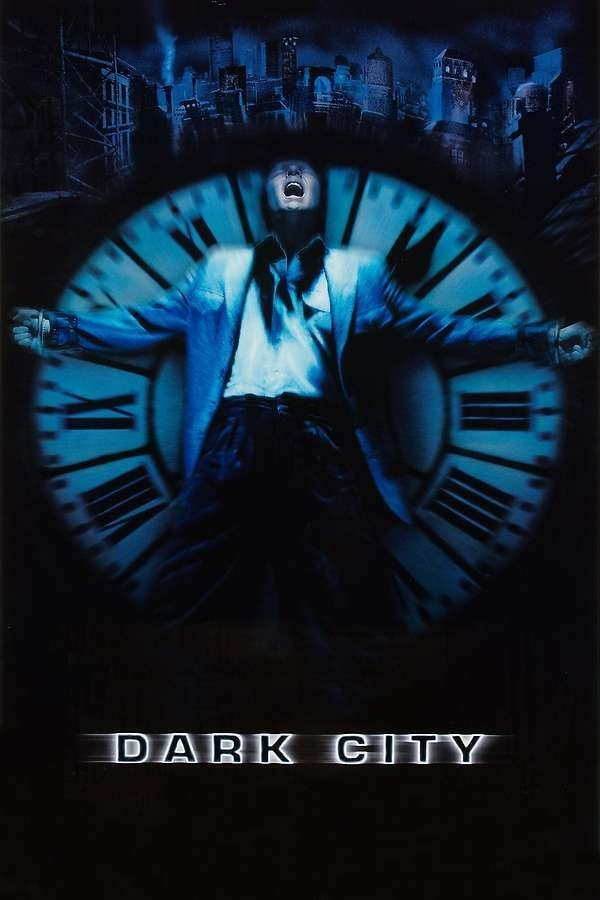
He can tune!
Dark City has been a favorite of mine when it came out, and after I watched it again, I can see why. It's dark and melancholic with a shred of hope and a lot of revenge kind of style. Beyond that though, it's one of those "what if" movies that gets some of those questions stuck in your head after the credits roll, like, maybe there *is* someone who keeps misplacing my hot sauce in the fridge??
This movie fits well with Donnie Darko and perhaps the original Matrix for a good reality-doubting weekend (more recommendations are welcome). If you're more into questioning-reality-god-complex movies, I also recommend The Truman Show, one of Jim Carry's best performances ever.
More random thoughts: Jennifer Connelly is absolutely stunning here in a very Who Framed Roger Rabbit style. I also think it's about time I get myself a duster coat. And when was the last time I went to the beach here in NYC?
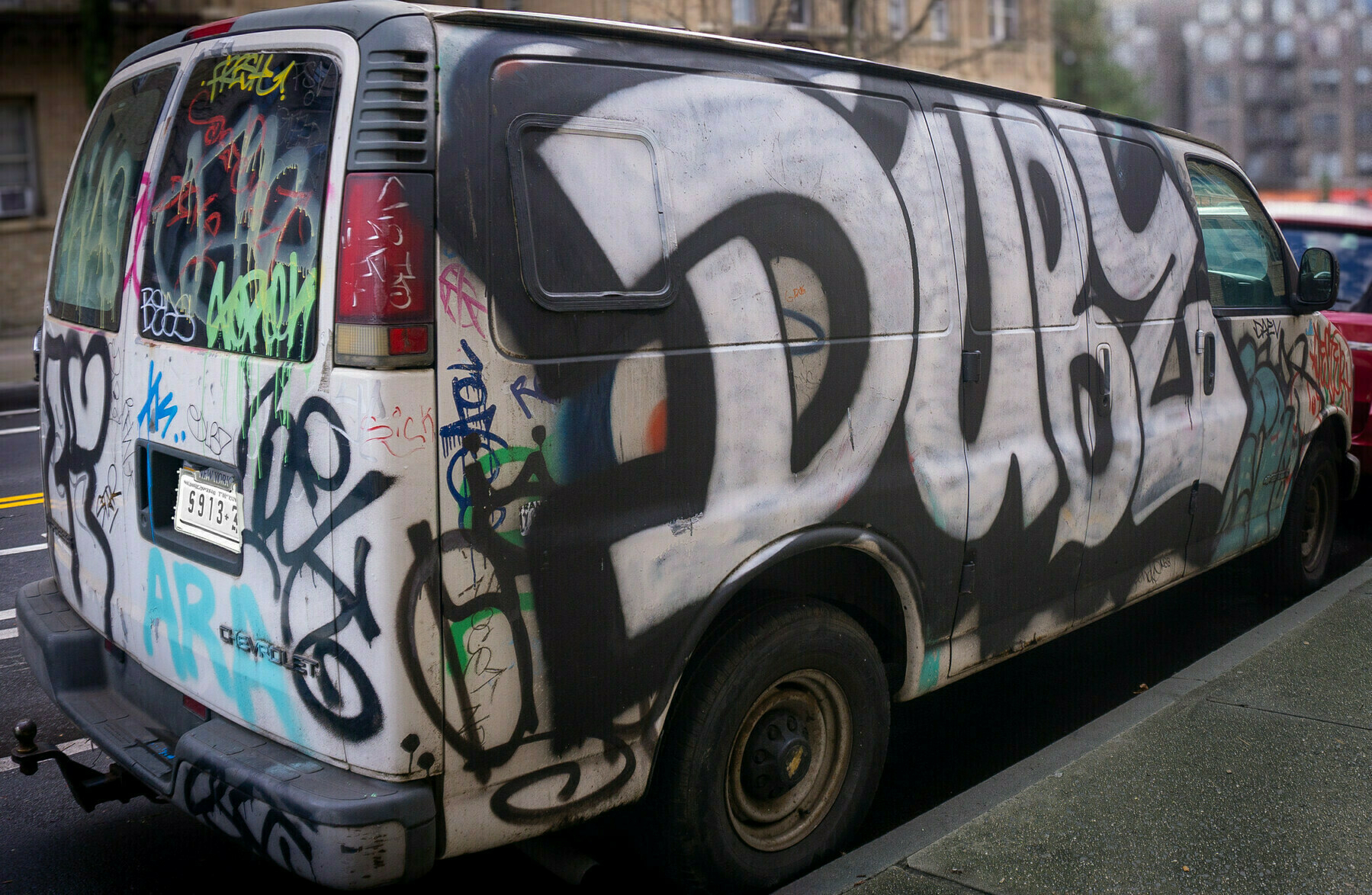
A walk in the neighborhood with my camera 📷. These photos came so different, it’s hard to believe the locations are minutes apart.

Morning thought: can we make stock selling illegal for certain public companies that have their customer’s lives at stake, like, say, Boeing?
Think of it: the average Joe down the street from you who has stocks in the company has more deciding power regarding the airplane that’s going to fly you to your vacation next month than the engineers who built it.
I’m noticing more and more AI-generated (or seems like AI-generated) articles when I search for something.
I read somewhere (I forget where) that Google and Bing are the only web crawlers out there. There are several search engines, but they all rely on recycled results from these two.
Case in point: aftermath.site/the-inter…
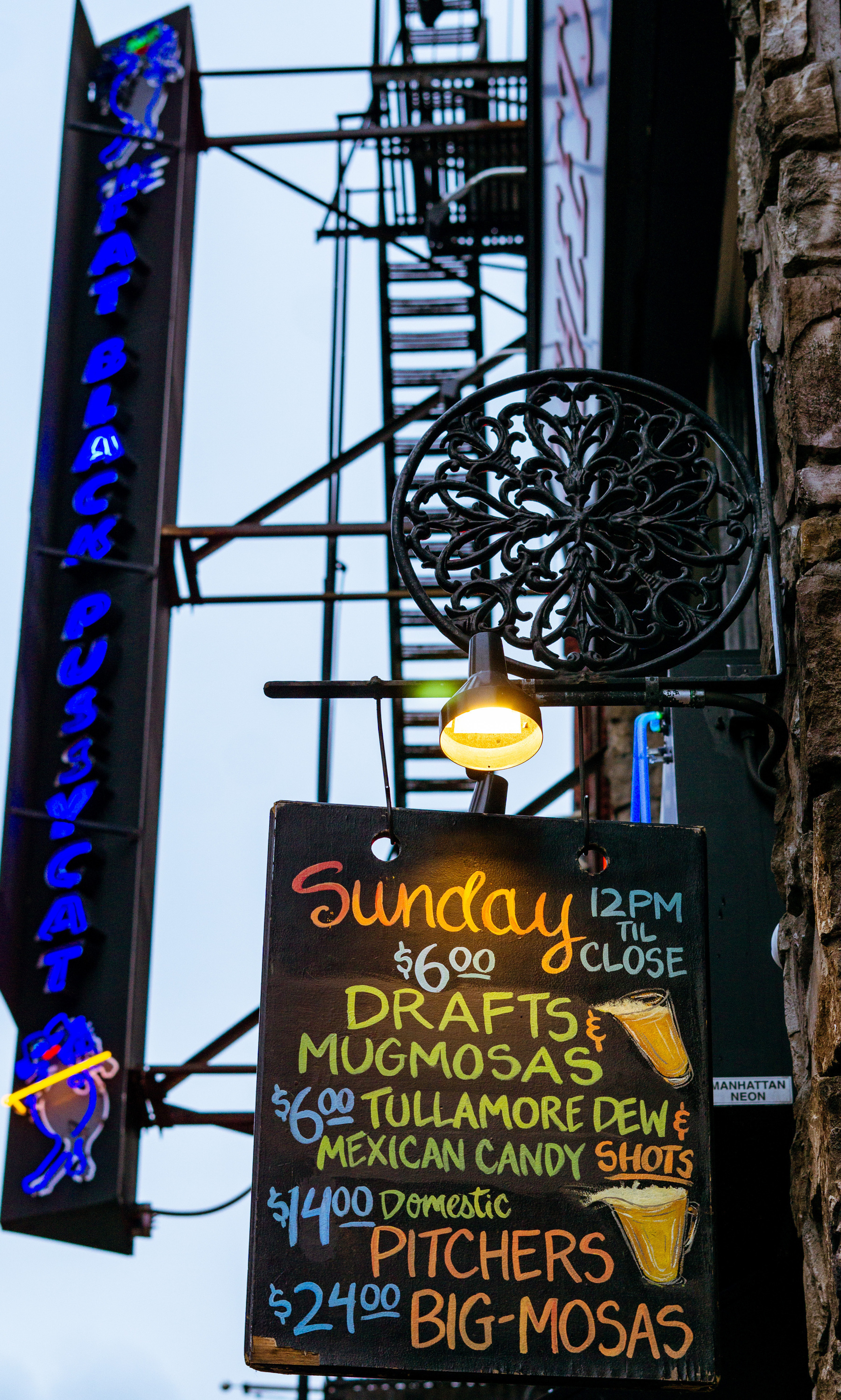
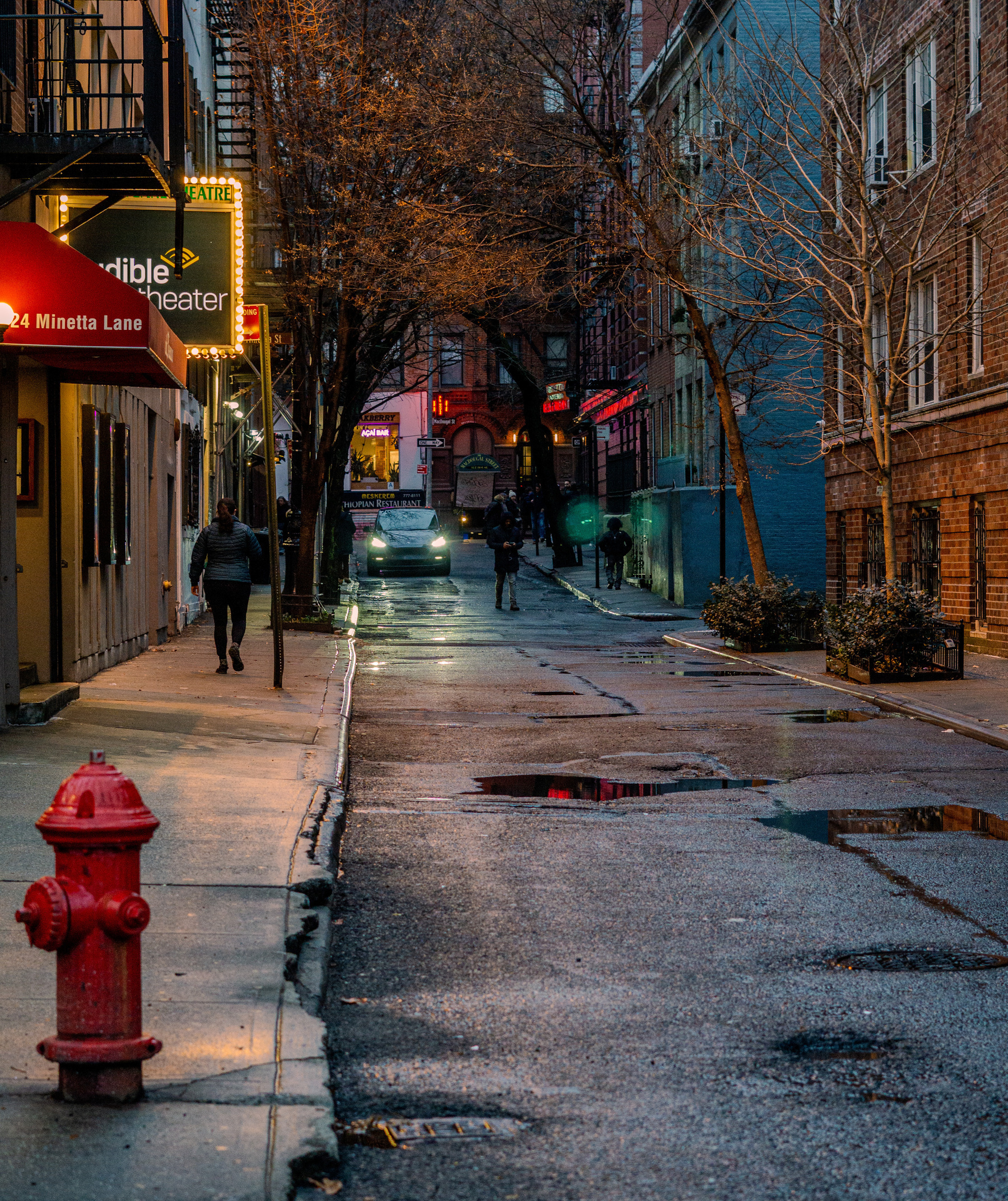
Had a “photo itch” when I went to get coffee this weekend. Took the camera with me.
Two pictures 📷 from around Bleeker Street, near Washington Square Park.
Did you know: the percent cookie in org-mode [%] works on headers, not just checkboxes
Also, though, it will not work and remain “confused” if you have any check boxes under the same header or/and inside one of the subtasks. So pick and choose.
solved (see below)
Folks who use macOS reminders - is there any way to display all scheduled reminders in a widget rather than a specific list?
I have a list of quick things, and I have a list of “scheduled” reminders, say, something like watering the plants a week from now. I don’t want to see the 20-something scheduled reminders on that list in the small widget; that defeats the purpose - I just want to see those that are due today (or maybe tomorrow). How do you go about it?
The “list” the widget is viewing is not limited to just one of the lists you create; it can also be the “scheduled” list (automatic) created, and that’s what I needed. to change it, I had to edit the widget, click on the list it was presenting me (in my case it was called “misc”) and change that to “Scheduled”. Seems to have done the trick.
I talked about making some changes to my project workflow in Emacs, and here are some changes I’ve implemented:
("p" "Personal Related")
		  ("pt" "Personal Task" entry
		    (file "~/Sync/Personal/Projects.org") "* ACTIVE %^{What?} \n*** TODO Probes:\n %^t--%^t \n\n %U:\n %?" :kill-buffer t)
I talked about making some changes to my project workflow in Emacs, and here are some changes I’ve implemented:
The %t^ org-mode expansion tells Emacs to prompt for a date without a time. It calls a calendar in Emacs with the current day marked, which can be adjusted. In my case, you see two of those: the project’s start and the end (double dashes are how org-mode phrases a time range).
So, let’s say I have a new photography project I want to do throughout February. I call this capture template and enter the first day of February, followed by its last day. This will display the project (say, “photography project”) on my agenda every day throughout the month of February.
In the past, each project (which is an active task with sub-tasks marked by “TODO” items) had several of its subtasks scheduled at specific times. This has been my process for years, though it’s not very useful: I almost never get to work on my TODOs exactly at the time of my choosing.
The idea is that instead of having a list of 20 items that I need to do clutter my agenda with times in the day that don’t make sense, I will only have a couple of highlighted projects I know I’m working on. I can then go into each project from the agenda and see what the next action item I need to do there. This would be a TODO keyword without a scheduled timestamp.