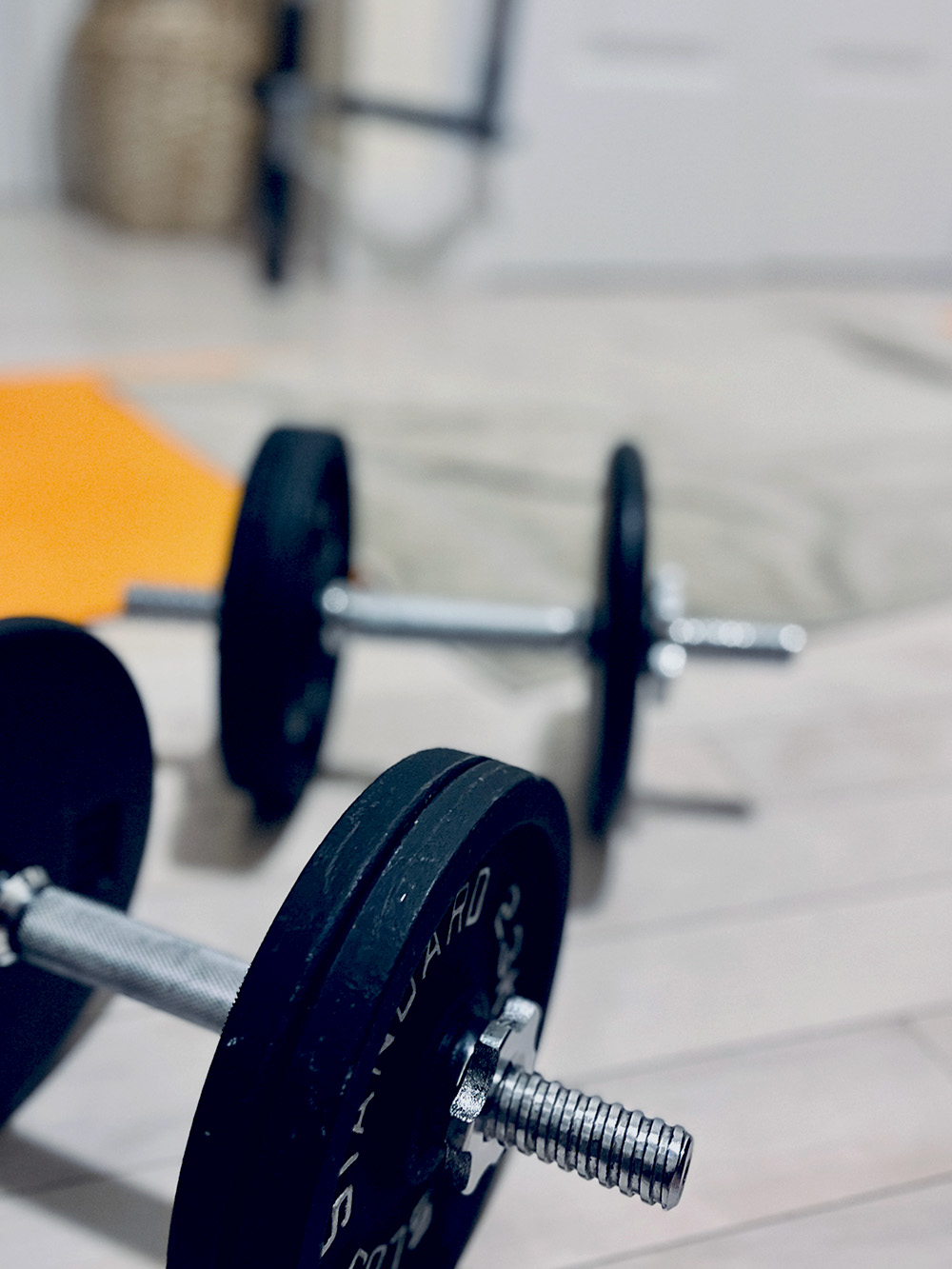
September photo 📷 challenge day 28 Workout
Since COVID, I’ve started to exercise in my room. I’ve been exercising way more often this way than I ever did at the gym.
September photo 📷 challenge day 27 Embrace
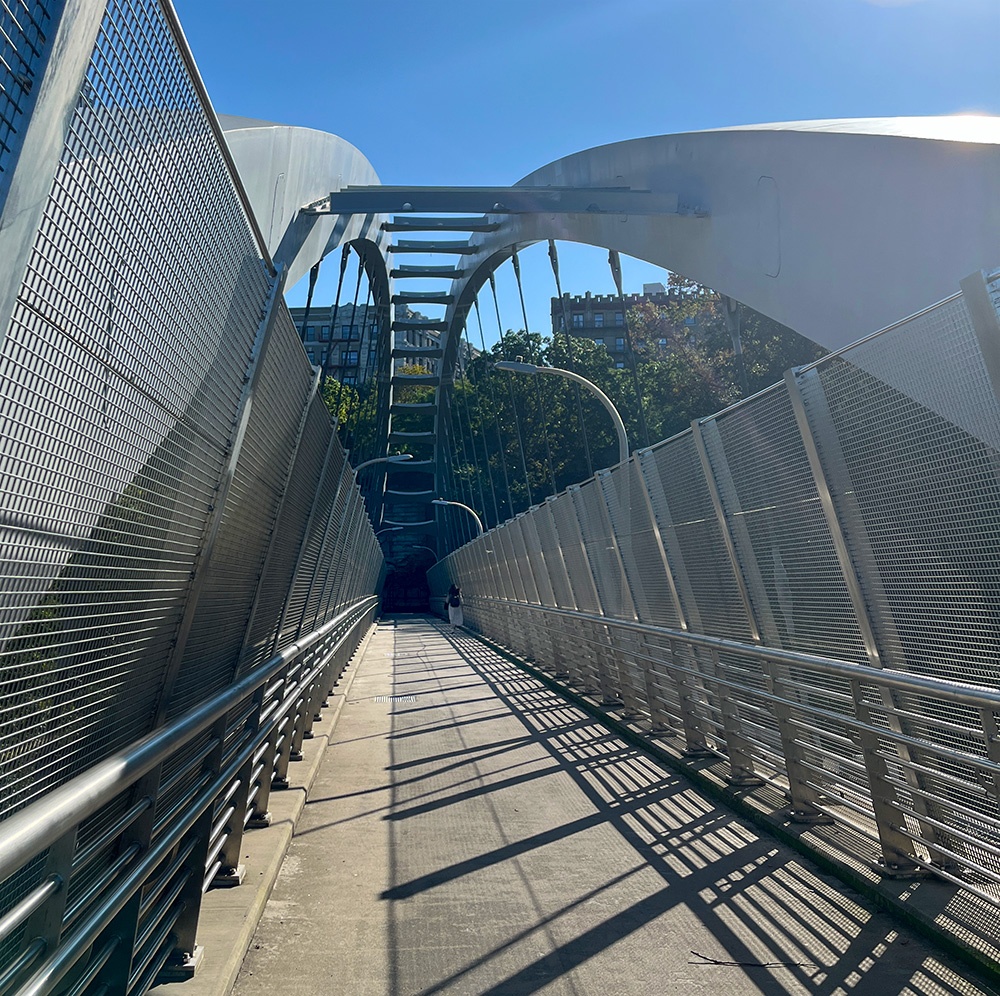
After several days without sun, I was ready to go for a run and embrace the sun yesterday.
An Ordinary Wednesday
Good morning. The sun is finally out, after being out of sight for the last… I don’t know, four days? I actually got excited yesterday when it came out just in time for sunset in the evening. And to think I’m trying to get into Cyberpunk Red now, a game that is all about gray, depressing vibes…
Sipping my coffee in the kitchen at my usual spot (see day in the life) I was thinking about how much work I have to do, the usual sense of not doing enough.
It doesn’t matter how much I worked yesterday and to what extent (I was drained toward the evening); the self-judgment is still there. The guilt. Feeling like I’m a phony. If I dwell enough on these thoughts, they’d borrow in with flashes of the past.
I’m learning to make peace with these thoughts and try to let them be. There’s no satisfying them, so instead, I try to give them a nod of acknowledgment and do my best to ignore them for the rest of the day. Some days it works better than others. I think that being open about those thoughts might help: if I put these emotions out there openly, I can’t be a liar. I’m not really hiding anything.
That’s enough for now. I think I’ll get myself to go out for a run, get it out of the way, let the skin soak some sun, and take a refreshing shower afterward.
Happy Wednesday!
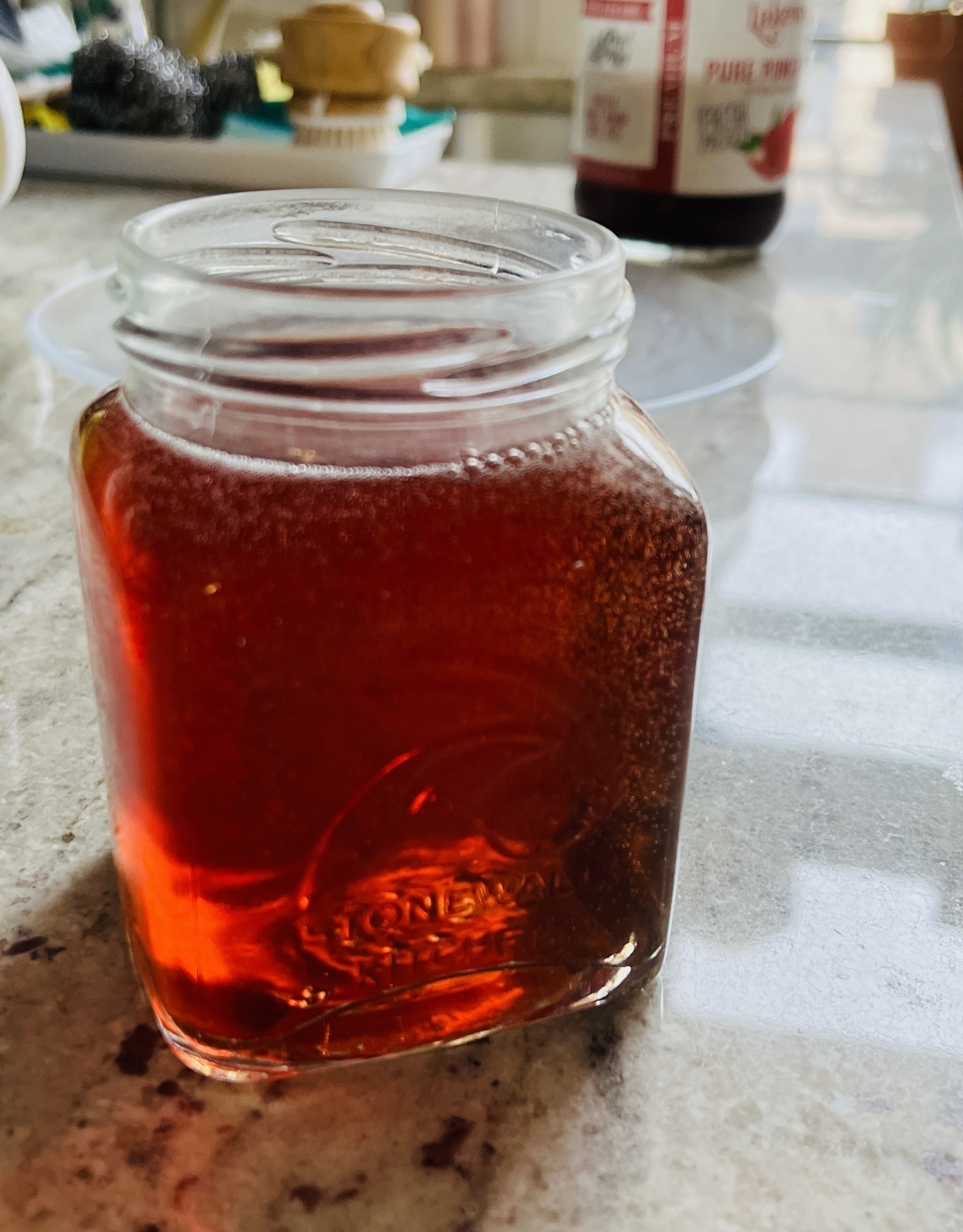
September photo 📷 challenge day 26 ** Beverage**
What, no coffee? I actually have a couple of favorites. Pictured here, is pomegranate juice, slightly carbonated. Perfect with a spicy grilled chicken sandwich.
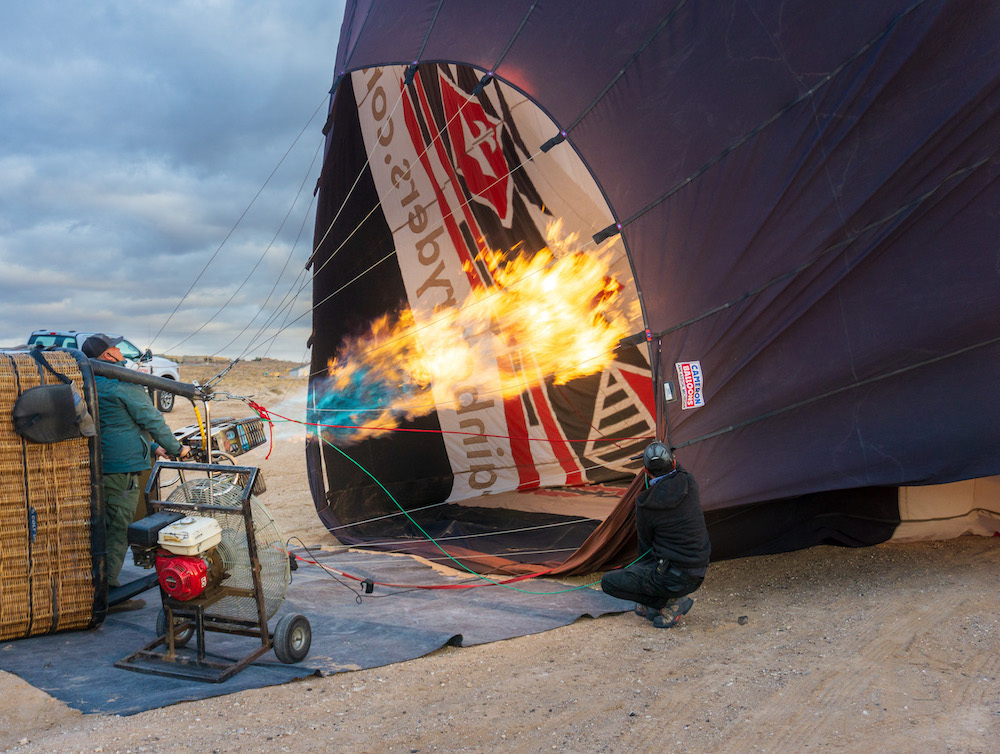
September photo 📷 challenge day 25 Flare
New Mexico, before the hot balloon ride, 2021.
Golda, 2023 - ★★★½

I read a review somewhere that Mirren can play many roles, but Israel's Golda Meir is not one of them. Bullshit.
Mirren is the gem of the movie. If you disconnect yourself from the history lesson angle and embrace the movie as a portrait of one of the strongest world leaders (say what you will, but she was the leader of a country during one of its worst wars), I think you'd appreciate how both women - the actress and the woman - mesh well together. It's the cast around Mirren (Heuberger specifically, as well as a couple of others) that don't rise to the occasion as I felt they should.
As an Israeli with an uncle who is a Yom Kippur war veteran and his big sister as my mother who lived through this war, I can tell you the movie doesn't stray much from facts. The yellings of the troops, the news blurbs, and even the curtain at Golda's apartment (my grandma had these) are real. Lots of details and effort were put into the movie to make sure it's as close to reality as possible.
I came out of the movie asking myself, who's this movie for? It's too real and too Israeli for the majority of the American public to relate to. It's too American and "Holywood" for Israelis to take it seriously. Perhaps the Jewish-American audience, who's looking for heroism from a passing era. Sad, but true.
Can ChatGPT Replace a Technical Writer?
Anyone can write instructions, they say, especially in the age of AI. Just write a list of steps and add a screenshot or two, and that’s it. I wanted to play devil’s advocate, so I fired up ChatGPT to see if - through the eyes of someone who writes and edits knowledge articles daily - these claims hold any weight.
Let’s start with a TL; DR I hope is rather obvious: Things are seldom black and white. Knowledge articles are not just set of instructions; they are also an authority behind a procedure, a responsibility behind claims, and grounds for support services when the instructions fail. AI instructions don’t contain these qualities.
The Scenario: Taking Photos with an iPhone
I wanted to use a standard, well-documented procedure, so I asked ChatGPT how to take photos on an iPhone. A quick look glimpse showed me ChatGPT’s instructions weren’t bad. It’s easy to get by if you’re familiar with an iPhone and basic camera functions, and most people probably are. Here are the instructions, pasted here for convenience:
How to Take a Photo with an iPhone
- Unlock Your iPhone: If your iPhone is locked, press the Sleep/Wake button (located on the right side of most models) or use Face ID or Touch ID to unlock it.
- Access the Camera App: Locate the Camera app icon on your iPhone’s home screen; it looks like a camera. Tap the Camera app icon to open it.
- Choose a Camera Mode: The Camera app usually opens in Photo mode, which is the default mode for taking standard pictures. Swipe left or right on the screen to select different modes, such as Portrait, Video, Slo-Mo, Time-Lapse, and more, depending on your iPhone model and software version.
- Frame Your Shot: Use your iPhone’s display as your viewfinder to compose your shot. Tap on the screen where you want to set the focus and adjust the exposure by sliding your finger up or down on the screen. Make sure your subject is well-framed.
- Capture the Photo:
- For iPhones with a physical Home button (older models), press the circular button at the bottom center of the device to take the photo.
- For iPhones without a Home button (iPhone X and later), tap the white or red circular button at the bottom center of the screen to capture the photo.
- Review Your Photo: After taking the photo, swipe left to view the picture in the Photos app or tap on the preview thumbnail in the lower-left corner of the Camera app to see it.
- Edit and Share (Optional): If you wish to make edits to your photo, tap the “Edit” button when viewing the photo in the Photos app. After editing, tap the share icon (a square with an upward-pointing arrow) to share the photo with others via messaging, email, social media, or other apps.
- Save Your Photo: Your photo will automatically be saved to the Photos app on your iPhone. It will be organized into your Camera Roll or other albums based on your settings.
Remember that your iPhone camera may have additional features like HDR, Live Photos, and various filters, which you can explore within the Camera app to enhance your photography experience. The exact steps may vary slightly depending on your iPhone model and the version of iOS or iPadOS you’re using.
Things Fall Apart
This doesn’t look too bad, right? As an iPhone user, I’d say so myself. The problems start to show if you don’t have an experience with an iPhone or taking photos. But let me take a step back first and give you the bigger picture.
You see, as a technical writer, writing instructions is usually the last thing I do. The first two important steps (that missing here) are research and testing.
I won’t claim to test everything I ever wrote instructions about. I often rely on other credible sources. In the case above, I could reach out to our Apple sysadmin for review and a crew of service desk technicians for testing. Since I have an iPhone, I would also test the procedure myself, grab screenshots, and take note of problems I encounter.
See that last paragraph in the instructions? It leaves it to the user to figure out things on their own. It has no room here. These are instructions for a procedure, not a workshop with creativity-exploring exercises. For a big organization, this could mean a day in hell for Desktop Support technicians who would need to help an overwhelming number of users determine their iOS version or “explore” the “various filters” within the Camera app. What filters? Are they needed, and What for? And these are just a couple of examples.
For research, I will first determine which iOS version the instructions are for specifically and highlight the “Apple terms” that might not be familiar to some users, like Touch ID or Face ID, or even the Home bottom (on Android, users had three buttons for a very long time). This leads to a good point: style guides.
At work, I try to follow the Microsoft style guide where possible (this is because this guide is one of the most common and available). A term like “Touch ID” would be in bold, indicating this is a specific term to iOS, not a common phrase like file or “camera” or “photos” (not to be confused with Photos, the app, which should be bolded). It’s also good practice to link references to these terms directly so users can catch on quickly.
Speaking of users, who are we writing these instructions for? Is it for Android users? iPhone users? Photographers maybe? When in doubt, I try to keep instructions at their most basic level without over-explaining terms that should be familiar - and that “should” is already a dangerous assumption. For better delivery, this article could refer users who need more information to Apple’s support article about the camera app and the iPhone manual.
And yet another issue while we’re speaking of the audience: level of access. Certain data (images included) should only be accessible to employees, sometimes specific employees with specific access. While this can be regulated by AI, deciding what level of access an article needs can be difficult.
In the example above, the instructions need to specify if certain pictures cannot be shared outside of the organization. There should be a link or a reference to what procedure should be followed (if at all) to share pictures. Note that while these instructions are not about sharing photos, which is a different topic altogether, we must assume that users who need to take photos might also need to share them. This kind of connection we make as humans is hard for AI to do, yet it may be critical.
These are just a few of the problems I see in the above article. It’s worth mentioning that the information needed to resolve these issues is almost never available to me by default at work. I have to find the right people who have the responsibility for the information and ask questions. It’s not uncommon that these questions alone can stall publishing instructions while the different parties involved debate the issues and try to come up with answers. Asking dynamic questions is a crucial part of technical writing.
AI is a tool, not a complete solution
At this point, I see AI as a tool to help streamline parts of a complex process. I believe many organizations (especially those involved in technology directly) rush to use AI as the new “cool” tech. That’s unfortunate because it hurts the quality of their services and products.
AI doesn’t cater to those at the margins with different needs. It is programmed to work with a “most probable use case,” not those exceptional times when something goes wrong. It’s in these times, when help is needed most, that AI fails.
With AI replacing humans, the need for innovation and improvement disappears because those depend on failure outside of the scope of automatic programming. Things go wrong when something unexpected happens, and the solution is usually an improvement to the system. With AI, responsibility disappears, and with it, morality and business ethics. We humans are not perfect boxes that fit into algorithms, no matter how much the CEOs of big tech companies want us to be.
I plan to keep using some of the AI tools available, but just as tools. I enjoy writing and learning about technology, and I can’t imagine letting AI take all the fun. Sure, it takes more time, but I’d argue it brings much more quality to the table.
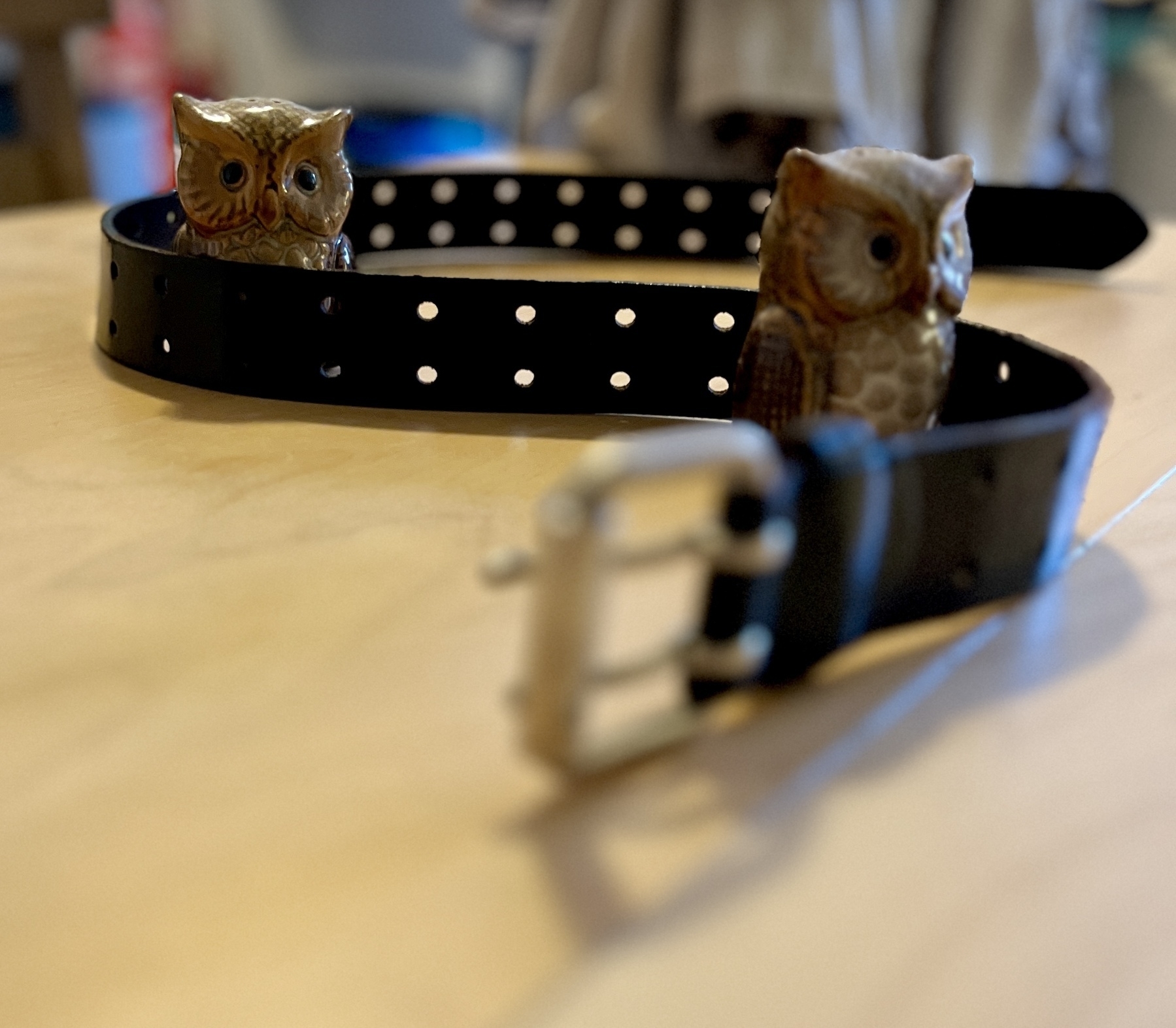
September photo 📷 challenge day 24 Belt
I had this belt for about 15 years.
Any idea how I would go at trying to get my data (check-ins) exported from Foursquare? There are a few scripts here and there that involve API, but it’s over my head…
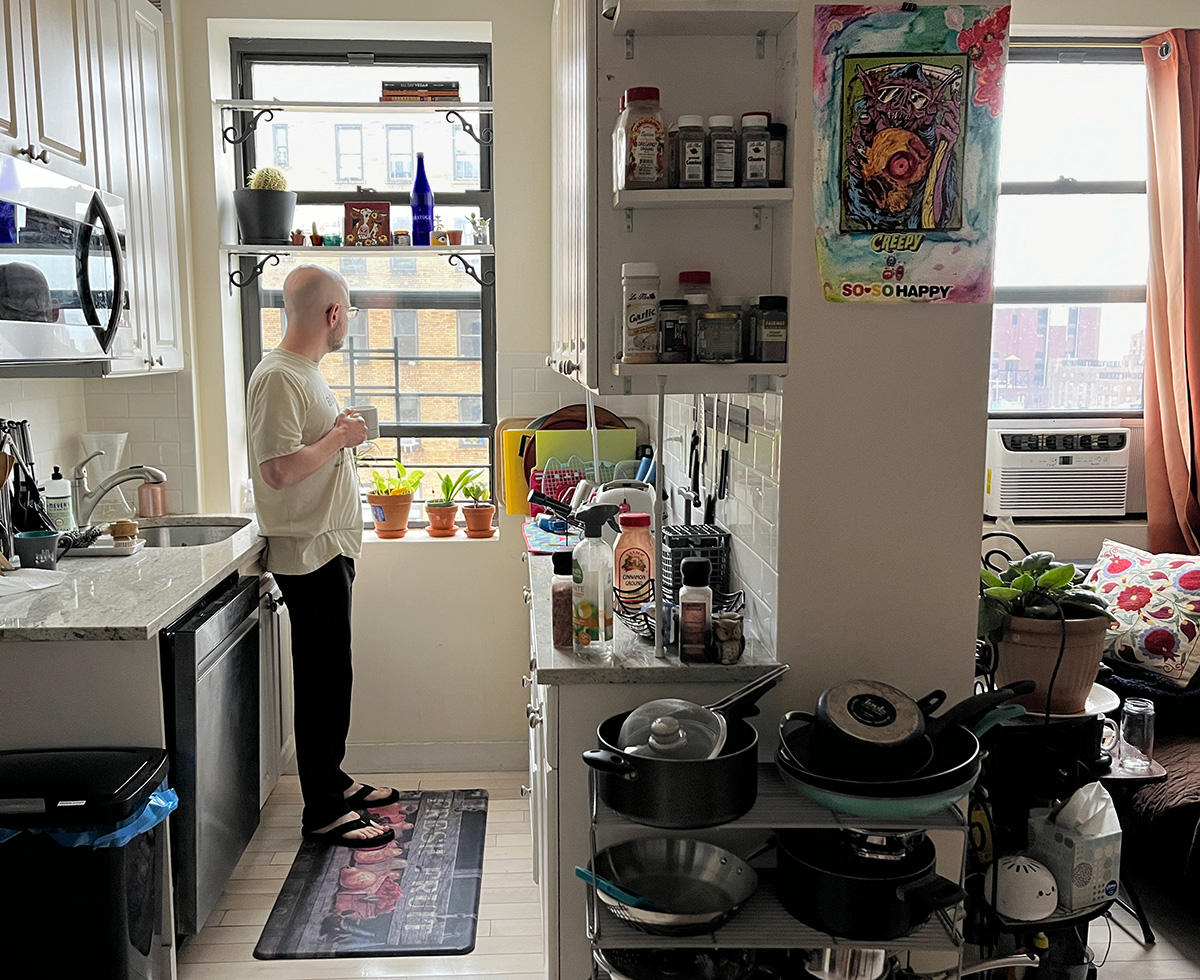
September photo 📷 challenge day 23 Day In the Life
That’s just me in the corner… typical morning routine.
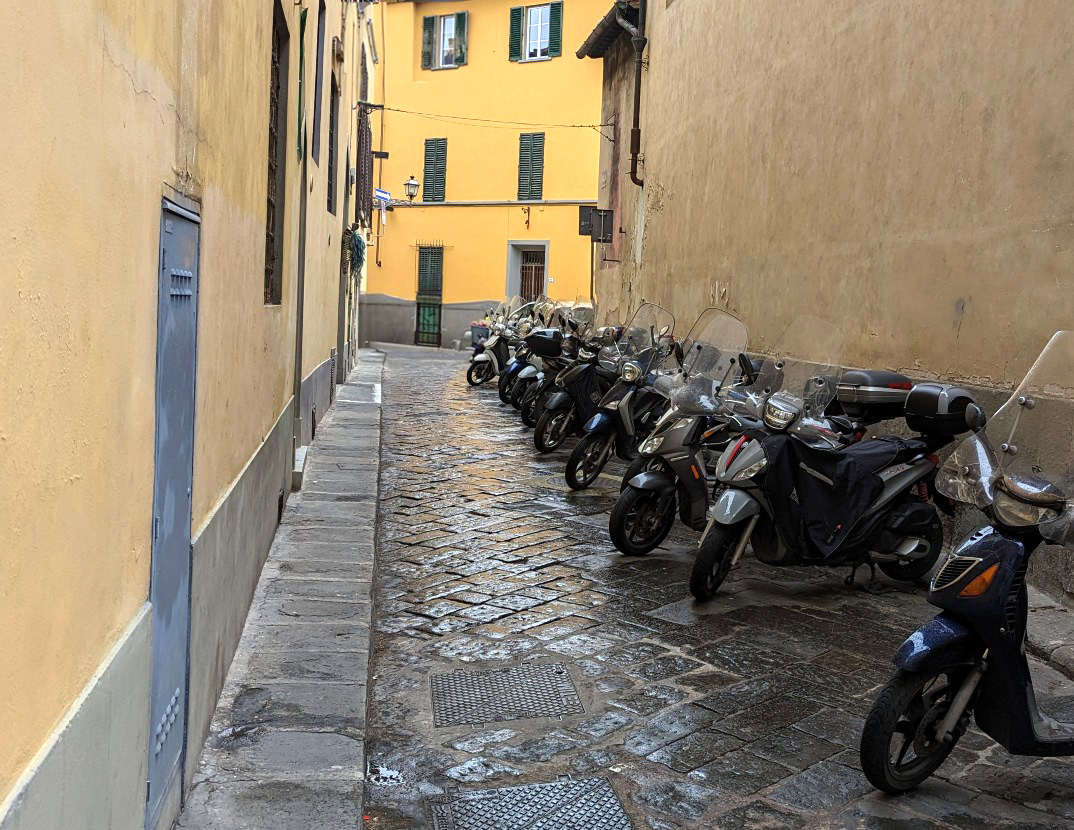
September photo 📷 challenge day 22 Road
Almost skipped this one… One of the side streets in Florance, Italy.
September photo 📷 challenge day 21 Fall
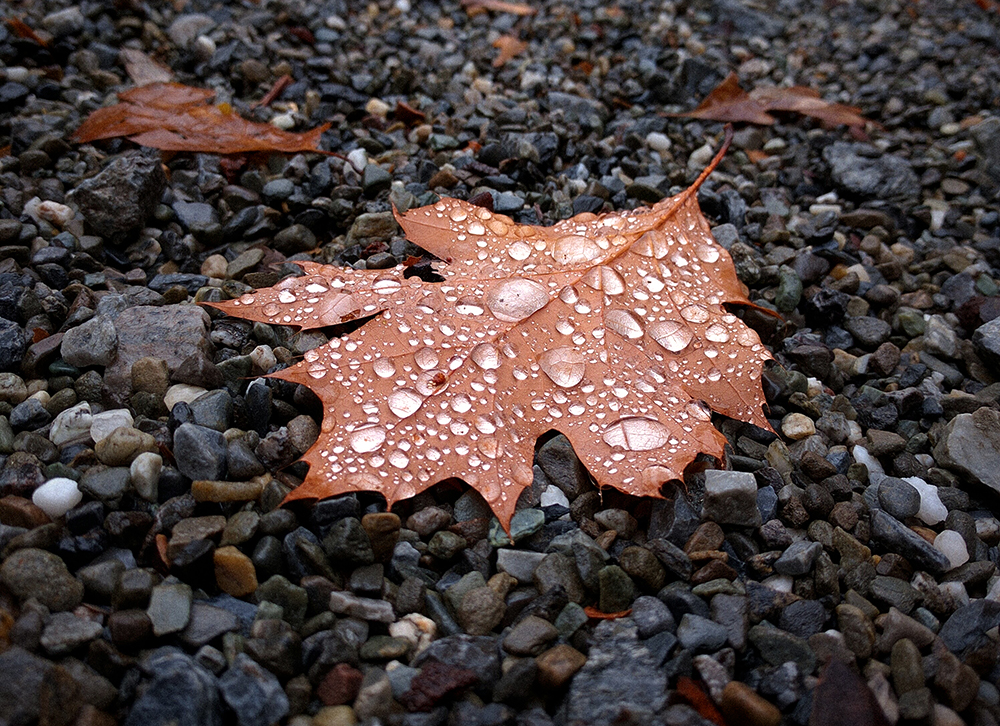
September photo 📷 challenge day 20 Disruption
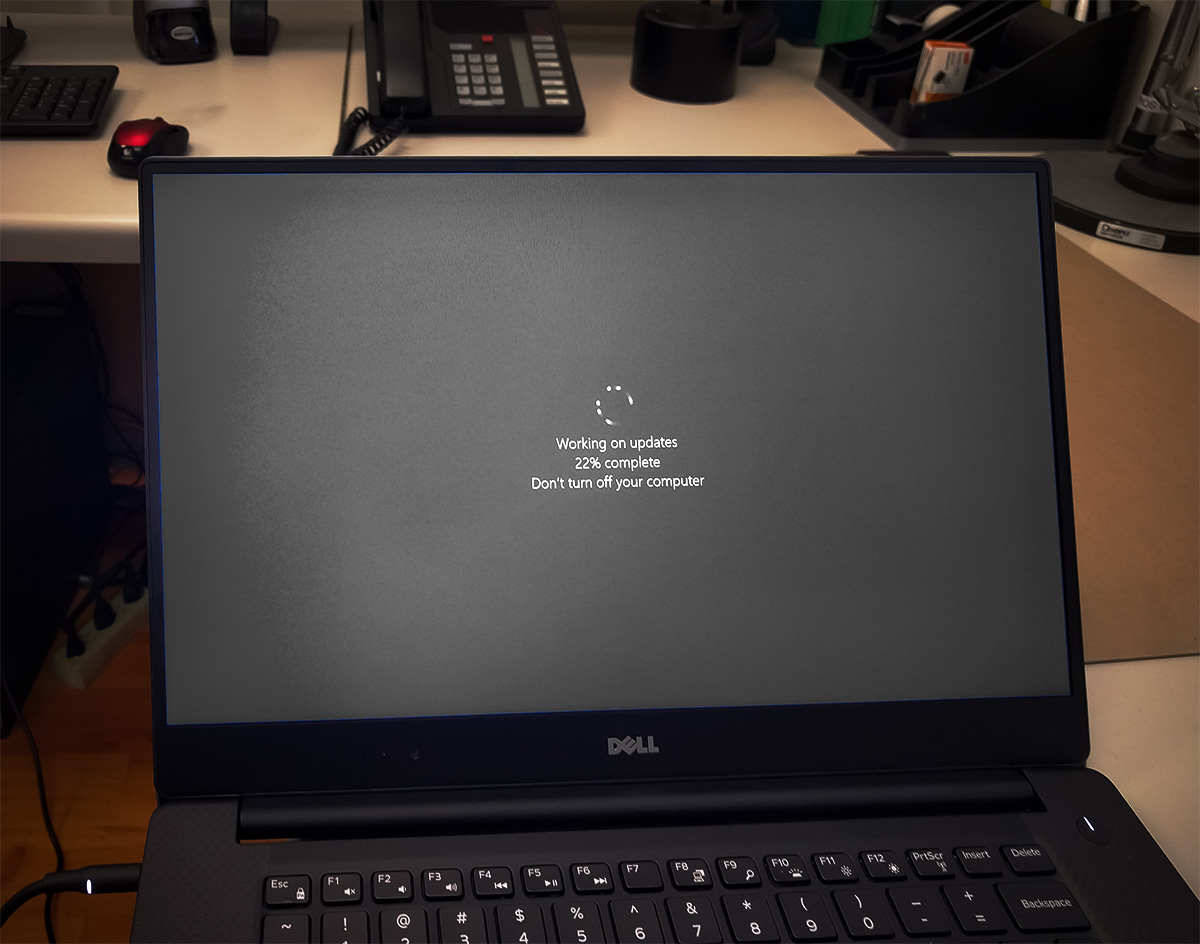
Who hasn’t had this sort of disruption at work?? (If you work on a Mac or Linux, sit down…). After all these years, this “feature” still makes me want to throw laptops out the window.
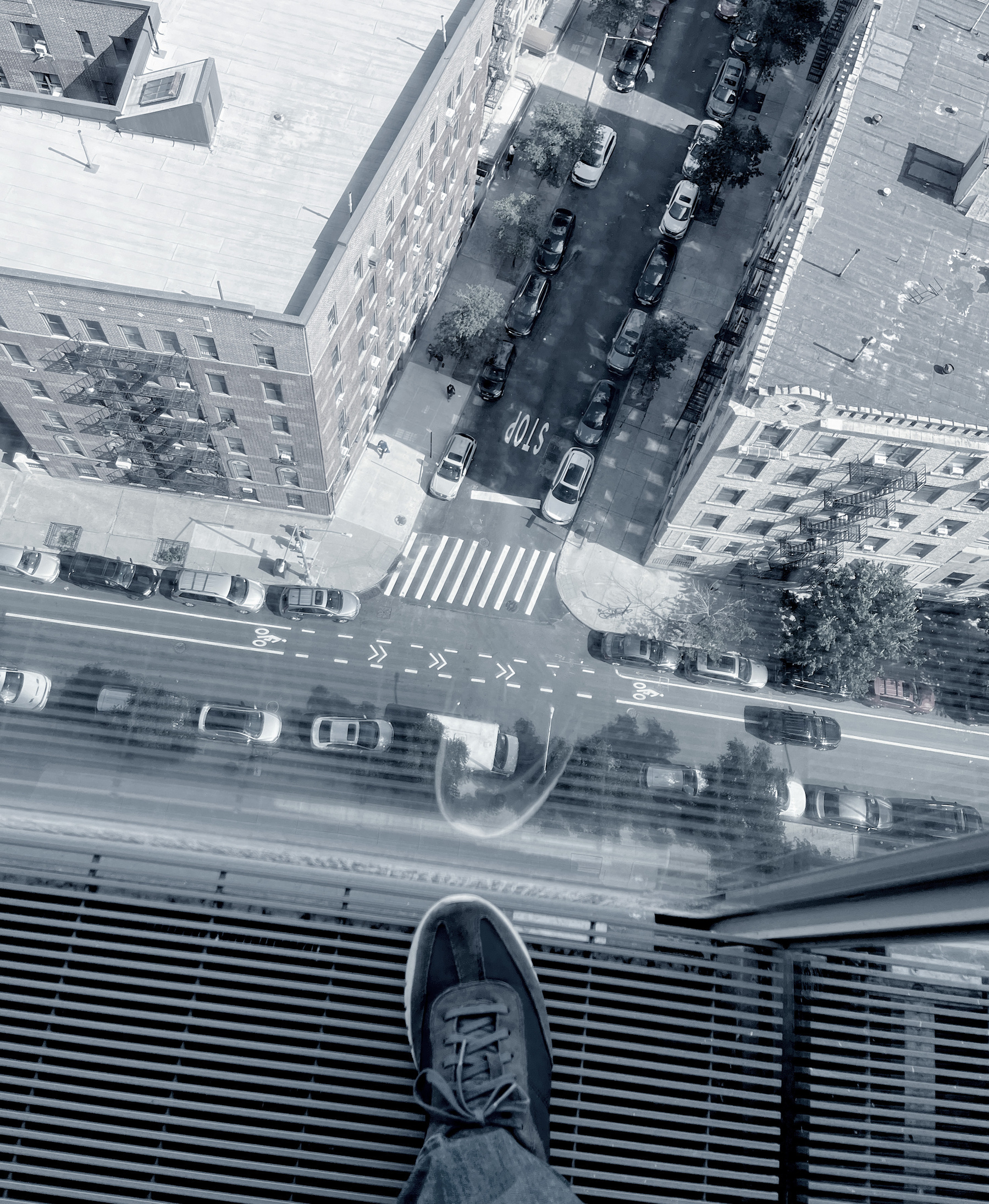
September photo 📷 challenge day 19 Edge
Got a new MacBook Pro 14, and I gotta say, the screen is phenomenal. It’s like my eyes are being polite and saying please and thank you. The keyboard is nice, but I’m used to my Mechanical split keyboard. And now that I got my plastic shell for it, I need to cover it with stickers.
edit 2023-09-19: The MacBook doesn’t fit in the stand I got for it with the plastic shell 😕. I guess I need to put it on every time I leave with it, which will get old quickly
Blade Runner, 1982 - ★★★★
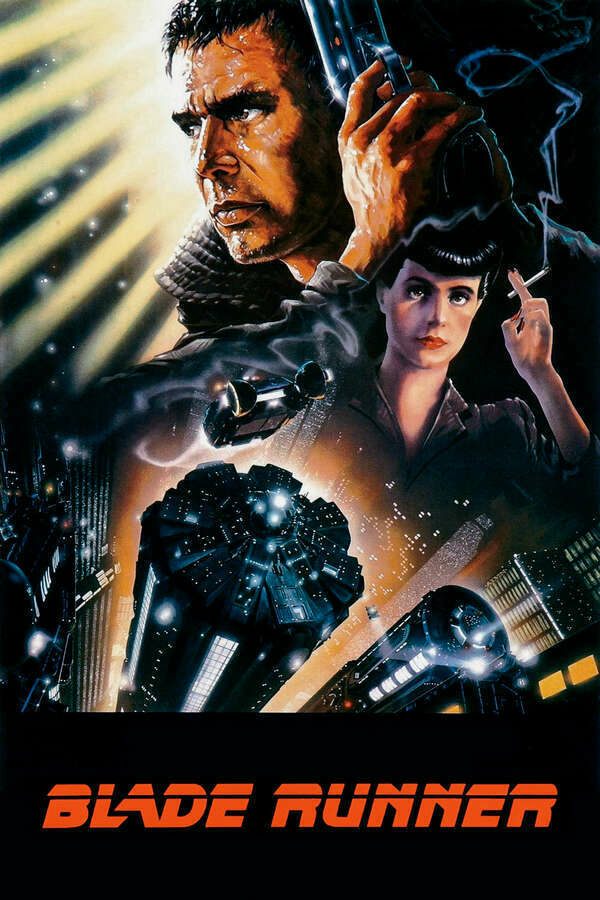
I watched Blade Runner more than once, but this time, I did so after reading Do Androids Dream of Electric Sheep. To me, there's no question about it: the movie is much better. No, let me rephrase this. The film is on a different plane.
There's a moment early in the movie where Ford (Decker) walks into the police station to talk to his old boss, who sits in a booth in an otherwise large hall. The camera pans slowly from the heights of the ceiling, showing us a dissolute police station that looks more like a train terminal with rows of empty seats. At one point, it crosses through the ceiling of the smaller booth inside the hall; this is where I paused the film for a moment to admire the details. On the booth roof, among the debrief, there were pieces of facade from the walls next to something that looked like an old rake and a few more pieces of trash. A shot of perhaps 2 seconds showing us junk, nothing significant - and yet, so much attention to detail. Someone thought about this trash, and someone was creative about this trash. This movie goes above and beyond to give you details.
A rich world with future society lights and music aside for a moment (I could go on for an hour about these alone), we have to talk about the actors. There is, of course, Rutger Hauer as Roy Battey and the famous tears in the rain. But Harrison Ford and Sean Young come close second, even when they recite lines from the book that seem a bit out of place. The supporting cast provides additional gravity to the world (Edward James Olmos as Gaff is one of my favorites). And then there's the music, a rich soundtrack I could listen to on a long commute, humming along.
But what makes this movie a masterpiece is not all that there is there, lying in front of us. It's what it implies. Especially today, it brings up the topic of what it means to be a minority group and how, under a certain light, one group can be morally exterminated. It asks us what makes us human and has us watch tests trying to prove just that and (in light of the end of the film) fail spectacularly. It also gives us a vision toward a future, in my opinion, better than the one in the book (which seems to focus more on religion and its role in human life). A future where everyone's different, but everyone's the same. A depressing shadow of a world that was destroyed (was it the war mentioned in the book? An environmental catastrophe? Doesn't really matter) due to the apathy of its inhabitants.
I'm going to watch this one again.
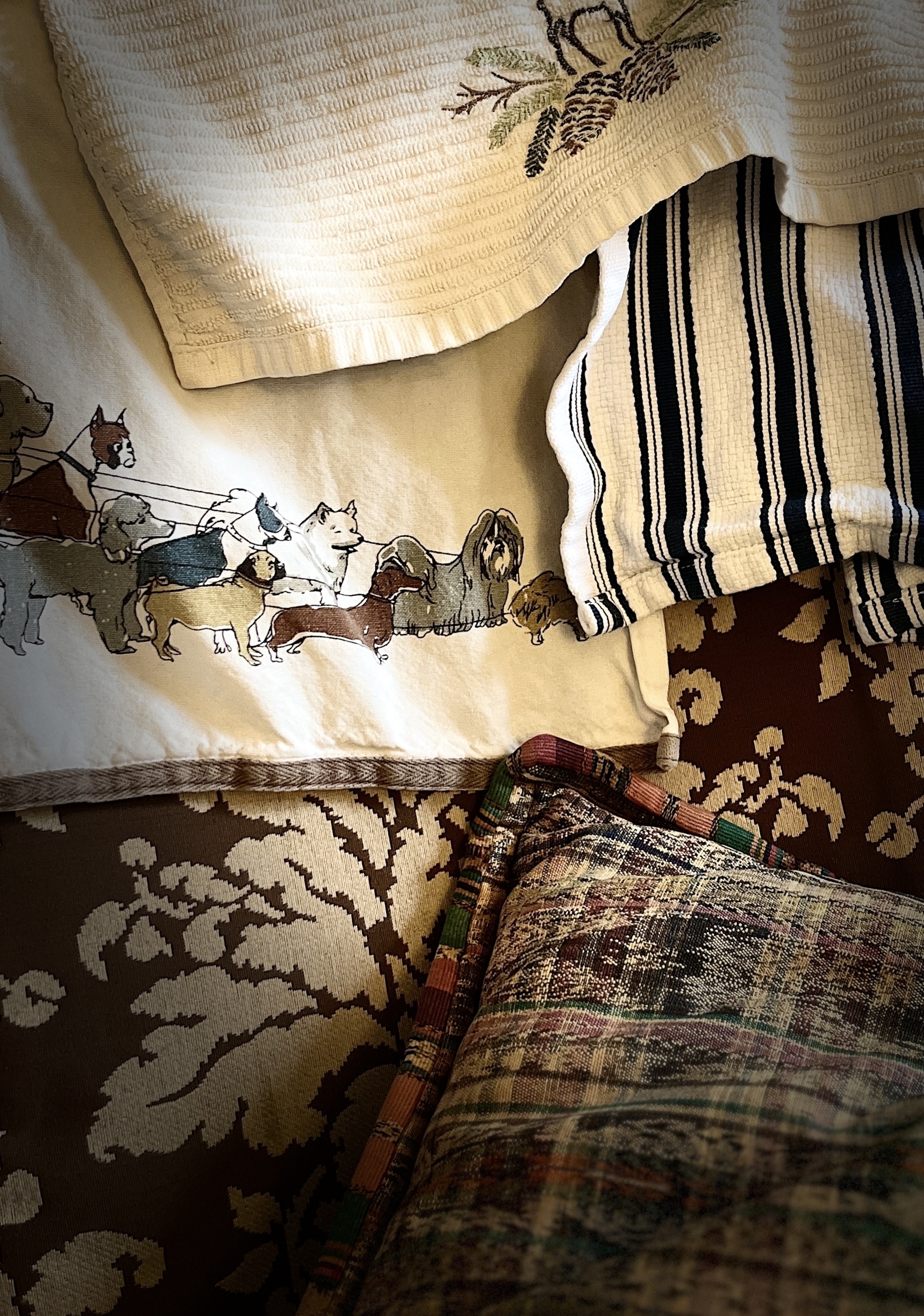
September photo 📷 challenge day 18 Fabric
I’m having fun with the different photo modes on the iPhone. I didn’t explore them in depth before, but there are some interesting options.

Currently reading: Rendezvous with Rama by Arthur C. Clarke 📚
I think someone here mentioned it. I’m impressed with Clarke’s factual fiction of science fiction… it reads realistic. So far this is a pretty interesting read!
September photo 📷 challenge day 17: Intense
🎶 These hot sauces are not kidding around. I only dare to use one drop on a bun. Any more than that, and I have a hole in my tongue. 🎶
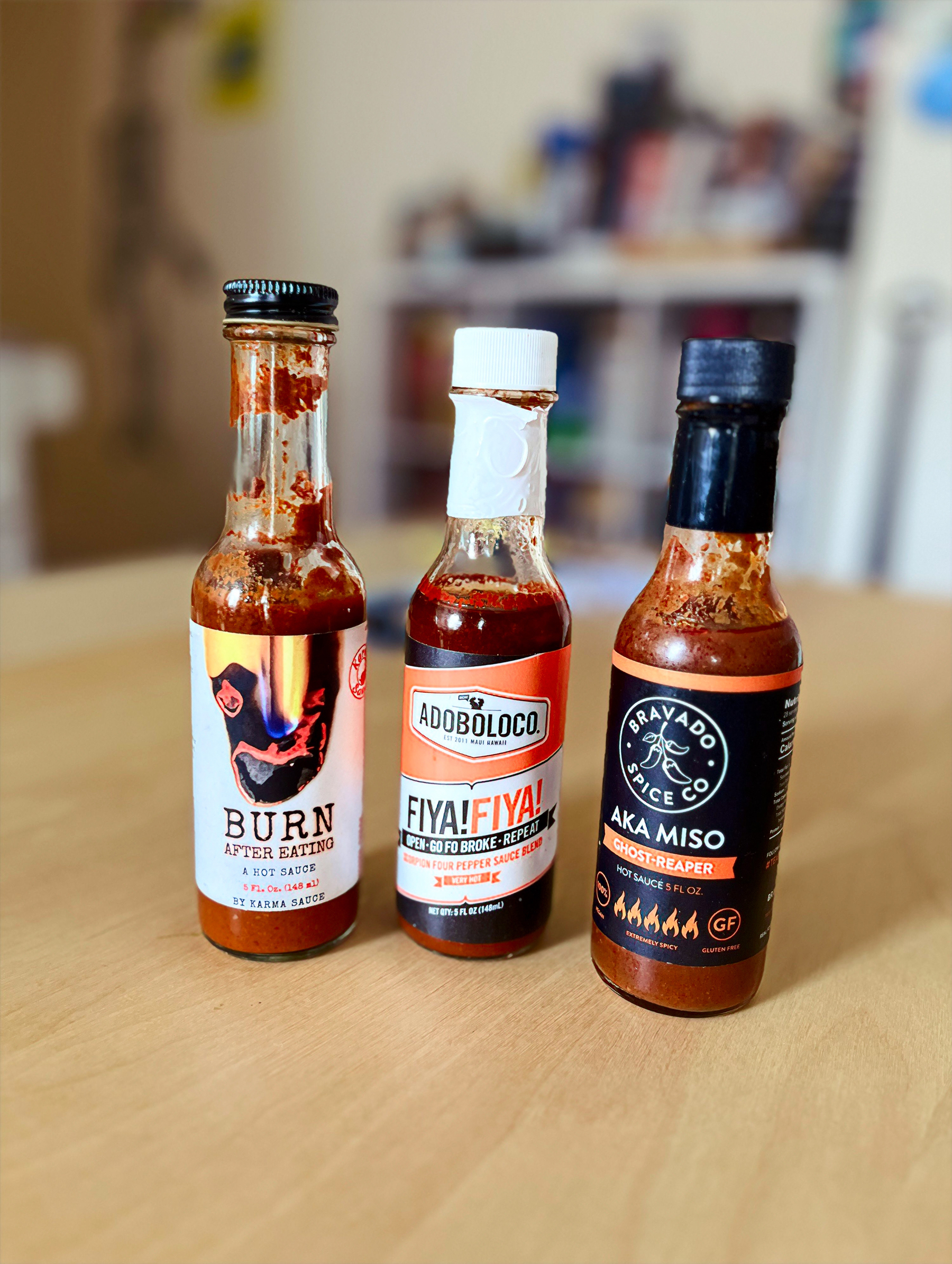
2024-09-19: I still have ‘em. Still only use one drop at a time. They’ve been in my fridge for about three years now.
September photo 📷 challenge day 16: Oof!
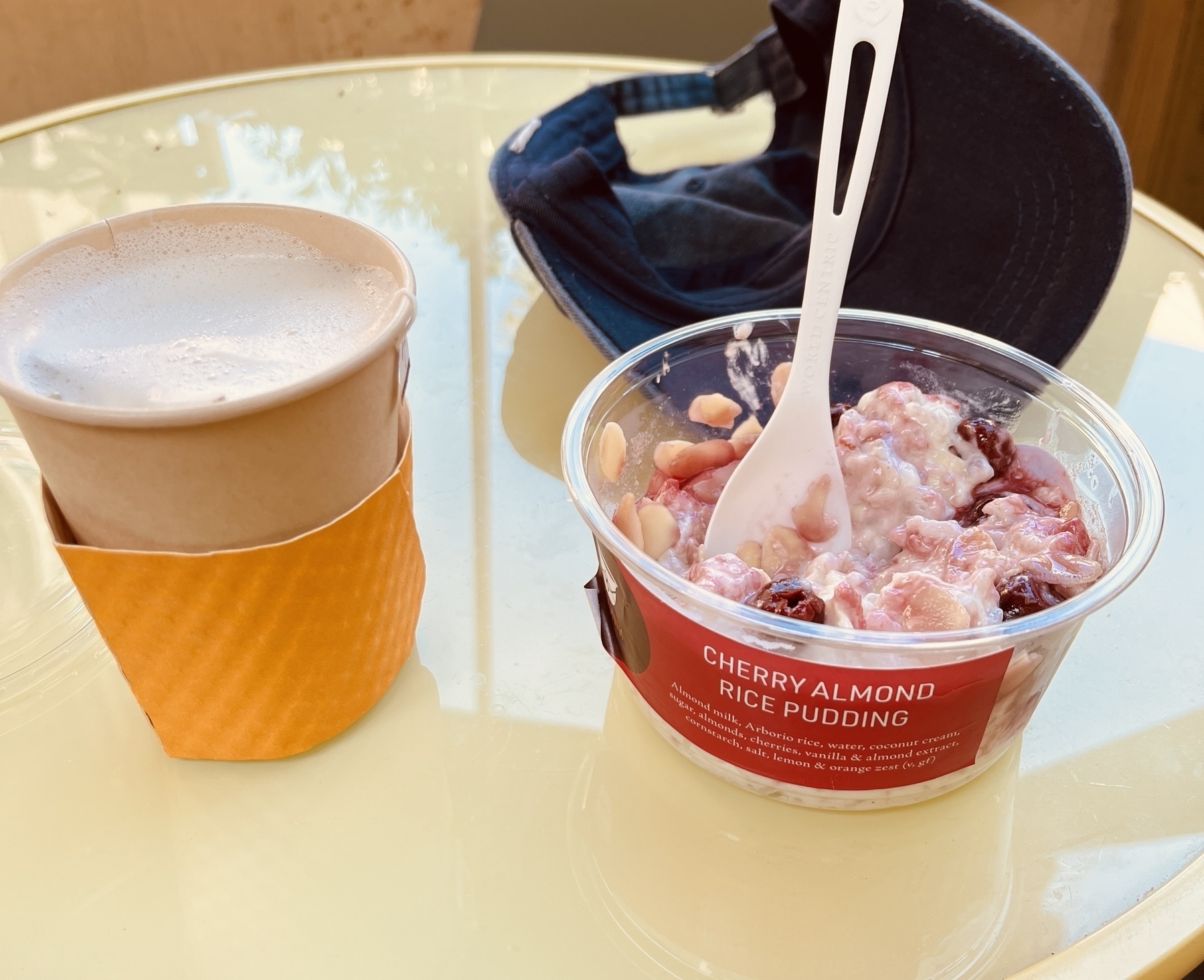
Oof, this hits the spot! London fog (oat milk) and almond milk rice pudding.