
My weird logic of (still!) using Google Cloud products:
- Everyone has a Gmail account, so it’s easy to share
- I know Google sells everything of mine, so I don’t have illusions about what to put in their cloud
- Great and easy exporting options
A few things: February
A few things that kept me occupied this month:
- Playing around with TinyTheme
- Denote public information notes
- Pushing my comfort zones
TinyTheme: I can see why so many folks like TinyTheme. It’s slick and good as is, but at the same time, it’s built thoughtfully and makes customization easier. The best part yet: Matt is very responsive and helpful, and when I got stuck, I got an answer and learned new things at the same time. I like how my single CSS sheet for TinyTheme looks like, whereas in my current theme, I have several hacks scattered about. The new theme will be ready for prime time soon!
Denote: Going ahead with switching from TiddlyWiki to org-mode notes is a good idea. It’s all about laziness at the end. GitLab renders org files just fine, but there are a few hiccups in how Denote creates links: GitLab doesn’t understand Denote’s linking syntax. I reached out to Prot for help, and he created a function that converts Denote links back to org-mode links. This is almost working, but the resorting links contain absolute paths (which lead to a folder on my computer) and not the relative link needed on GitLab.
I enjoy “talking” to Prot back and forth in video recordings. I’m learning a great deal. I said it once, and I’ll say it again, if you’re an Emacs user, Prot is worth every single penny for his coaching. Give it a try!
Comfort Zone Stretching: This will come as a shock to y’all, but I can be a bit grumpy and prefer the company of my warm coffee over strangers. Realizing this is all good and fine but it won’t do much to expand my circle of friends, I’m trying to say no a bit less to social hangouts.
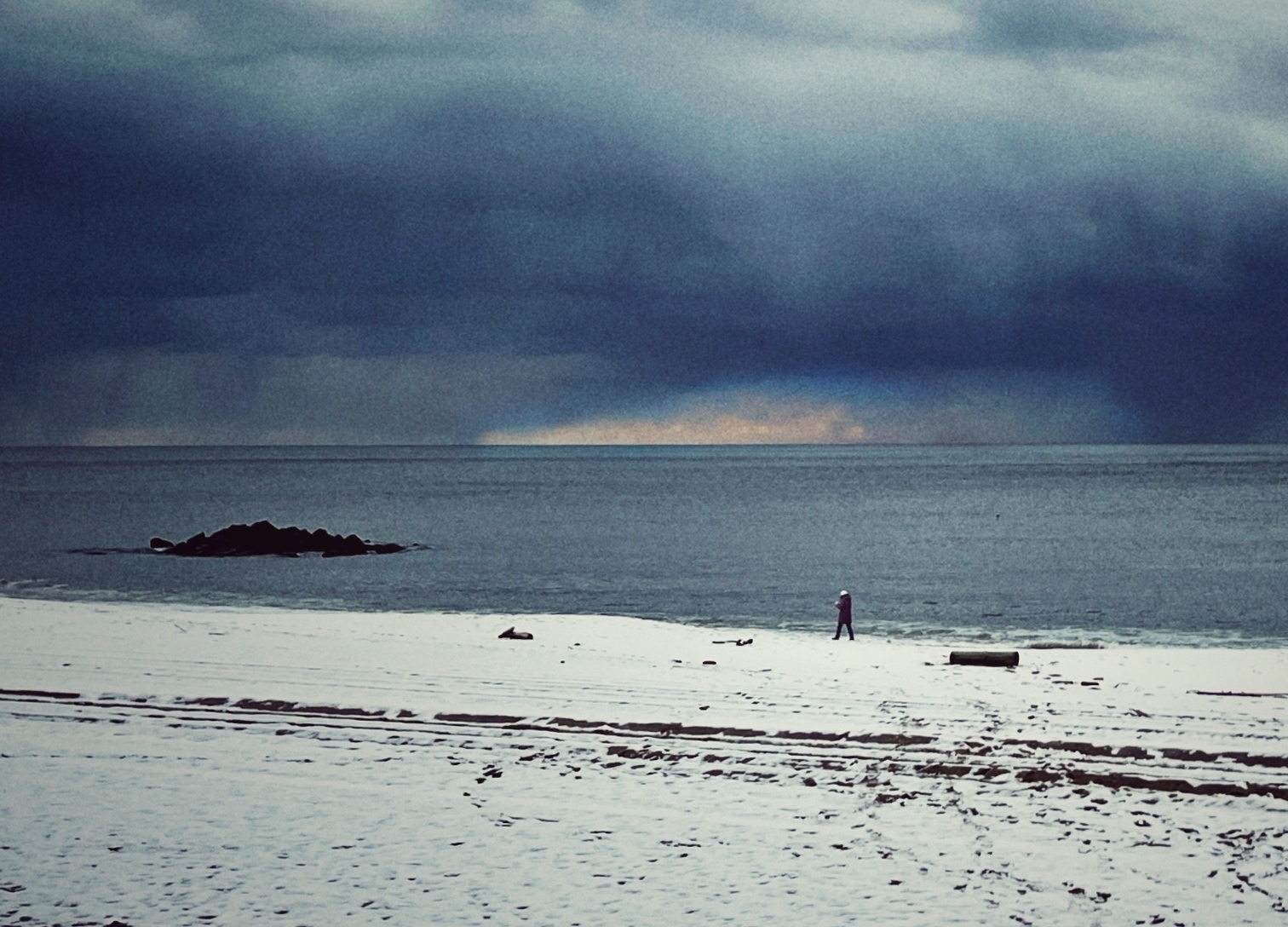
I had a great time in Long Branch NJ last weekend (this is where I took this picture) with my partner and a couple of friends, and it might have been the first time I saw snow on the beech first hand.
More of this stretching is happening in baby steps. It comes back to the little conversation with @Anne about dating apps recently: it’s up to us humans to get out there and develop the skills we’ve had for centuries but neglected in favor of our phones. We’ll see how this goes.
Snow at the shore 📷
Sunshine, 2007 - ★★★

A friend summarized this movie perfectly: good suspense film with hard Sci-Fi elements that go down the drain with the introduction of the villain. Why Sunshine, Why?
I enjoyed the buildup and the start. Not too hard to follow. The story is a bit of a stretch: if the sun was dying, I think the range of life-supporting temperatures on Earth would drop too fast for us to build a spaceship, let alone two. And I won't go into the sun becoming a red giant when it runs out of fuel, which seems to be the case here. So OK, fine, moving on.
The space ride with the crew was thrilling science-wise, though it was a bit macho for reasons, but in a way, that was a (small) part of the point, so alright, I could live with that.
The sun provided a lot of problems, and these could have been explored more and caused more suspense; instead, the movie yanks a villain seemingly out of nowhere and gives said villain some unexplained godly powers. The sun would have made a better villain if you ask me.
This is a solid 3-star: solid entertainment, but nothing too mind-expanding.
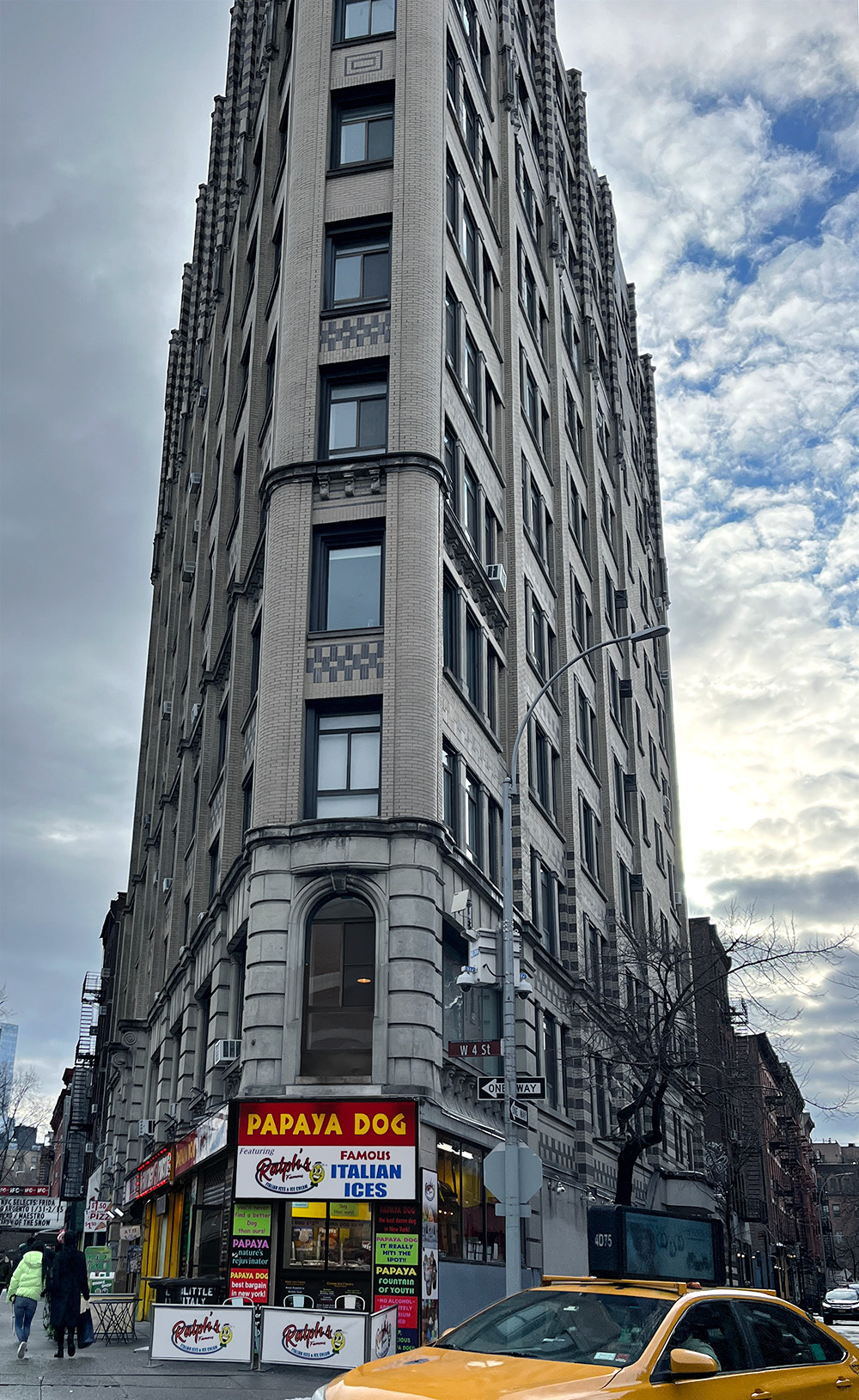
An NYC corner 📷
When @matt added Microhooks to his popular Tiny Theme, I decided to give it a try. My current theme, which is based on the Alpine theme, is a messy mesh of CSS fragments and several modified HTML files. I thought I could use a fresh start and get things more organized.
I’m having fun exploring and tweaking my test blog so far. This time I hope to keep all the changes in one CSS file with comments. Here’s what it looks like for now:
    /*
    Importing Righteous font from Google Fonts for the site title. I still need to work here to get the Title set up; there's a Tinyhook for that.
    */

    @import url('https://fonts.googleapis.com/css2?family=Righteous&display=swap');

    /* Setting up my beige background color  and my fonts to dark gray from Tiny's white: */

    body {
            background-color: #eee8d5;
            color: #666
    }

    /* Change the color of h2 link posts and dates to the red-crimson I use */

    h2 a, a.post-date.u-url {
            color: #8b0000;
            text-decoration: none;
    }

    /* Chane the color of the links, and remove underlines; when hovering over a link, underline it to indicate it's a link

    With links, we need to define these different instances of link selectors. These are: link, visited, hover, and active.

    In TinyTheme, the little "blurbs" on the main page listing the posts are inside an "e-content" div. We want to specify these links only. Otherwise, other links will be affected: */

     .e-content a:link, a:active, a:visited {
            color: #8b0000;
            text-decoration: none;
    }

    .e-content a:hover   {
    text-decoration: underline;
    }
I’m happy with how my org-mode notes look like in GitLab:
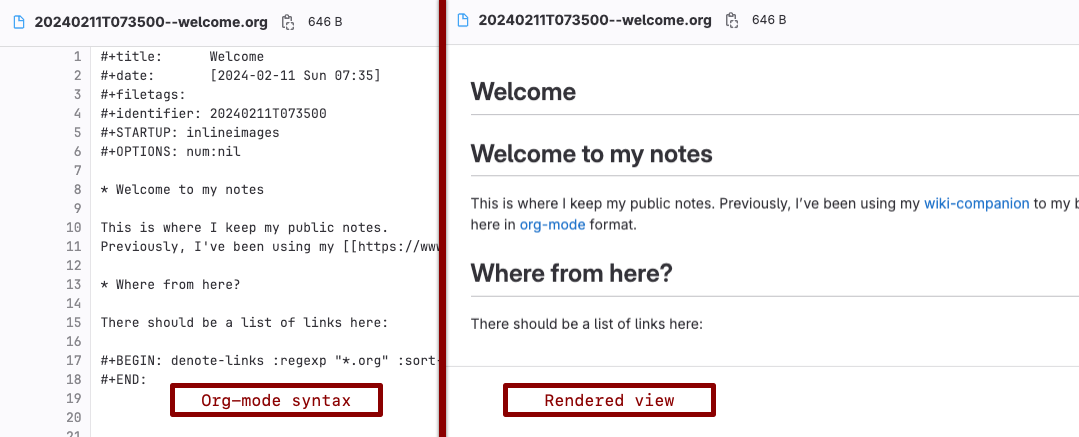
I need to resolve a few things, like creating another folder for these notes and tying it into my repository, but after I’m done, the hope is for much more streamlined informational notes.
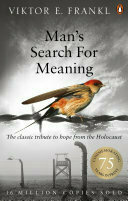
Mostly finished Man’s Search For Meaning by Viktor E Frankl 📚. There’s the part at the end of this edition where he talks about logotherapy, but I think I understand enough of his story itself to get the core of his teaching. More thoughts may follow.

I got Starter Villain by John Scalzi 📚 on a whim after I found his blog through a comment somewhere around here or Mastodon. So far, it’s a fun read with lots of chuckles.
Emacs abbrevs hacks
I just watched Prot’s excellent video about abrrevs, and I feel my “Emacs IQ” has expanded a bit.
Here are the notes from my settings:
Turn Emacs’ abbrevs on and place them in my Personal folder. The personal folder syncs to my machines so that these shortcuts are available on all of them (the default is somewhere in emacs.d/).
    (setq-default abbrev-mode t)
    (setq abbrev-file-name "~/Sync/Personal/.abbrev_defs")
In addition, add “@” to my abbrevs, so that I can use “@” with a person number to get their user ID. For example, “Joe” will do nothing, but “@joe” will enter “jr2234.” Useful because I remember a person’s name, not their email address or user ID. Credit: Prot.
(abbrev-table-put global-abbrev-table :regexp "\\(?:^\\|[\t\s]+\\)\\(?1:[@].*\\|.*\\)")
Useful Abbrev reminders:
You can escape abbrevs with C-q after typing the abbrev. For example, if “rnd” expands to “Research and Development” but you actually want to type “rnd” in the buffer, type rnd followed by C-q.
If you want to add a prefix to an abbrev, for example, if you want the end result to be “non-Research and Development”, type: non- and then M-' (this will result in a hyphen showing; this is good) and then rnd to produce the abbrev.